10 EZ-USB Development Kit User Guide, Doc. # 001-66390 Rev. *D
Getting Started
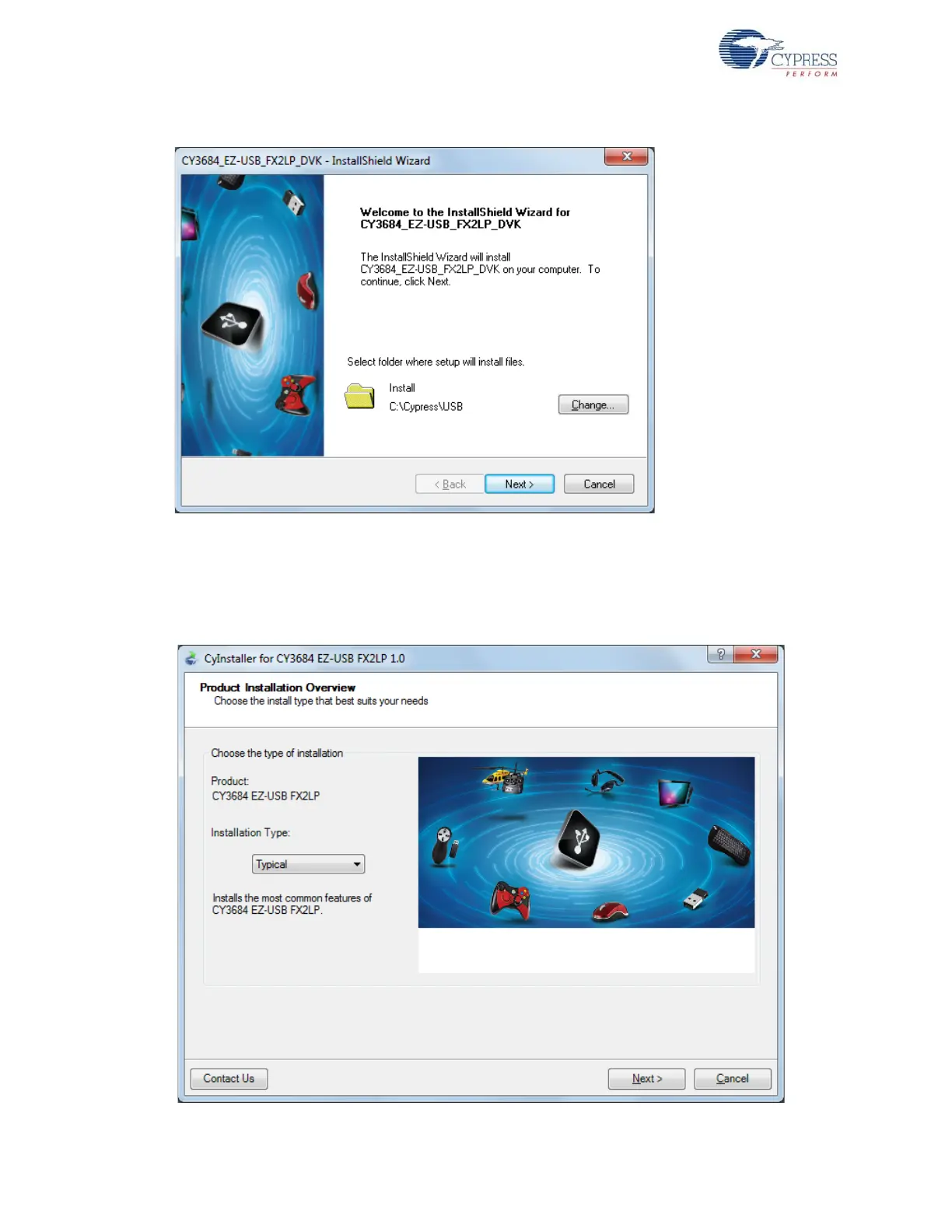
Figure 2-2. InstallShield Wizard
4. On the Product Installation Overview screen, select the installation type that best suits your
requirement. The drop-down menu has three options - Typical, Complete, and Custom, as
shown in Figure 2-3. In the current installer, all three installation types result in the same set of
software getting installed. Select the default typical installation and click Next.
Figure 2-3. Installation Type Options



 To Next Page