EZ-USB Development Kit User Guide, Doc. # 001-66390 Rev. *D 11
Getting Started
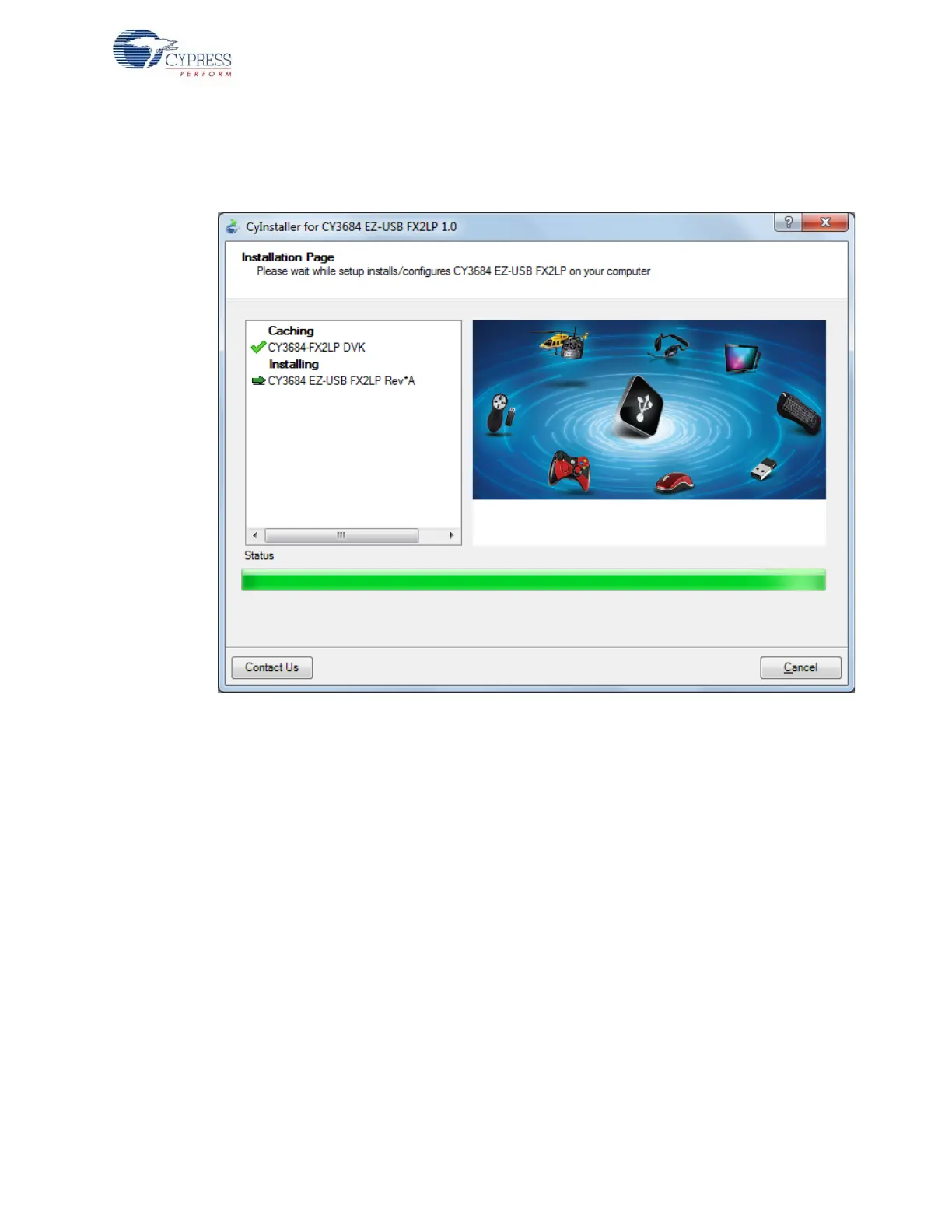
5. When the installation begins, all packages are listed on the Installation page. A green check mark
appears adjacent to every package that is downloaded and installed, as shown in Figure 2-4.
Wait until all the packages are downloaded and installed successfully.
Figure 2-4. Installation Page
6. The Keil uVision2 trial version IDE triggers at this stage. If the software is already installed in the
PC, then the installer will not trigger the installation. If the PC does not contain the software, then
the Keil welcome screen appears, as shown in Figure 2-5. Click Next.



 To Next Page