12 EZ-USB Development Kit User Guide, Doc. # 001-66390 Rev. *D
Getting Started
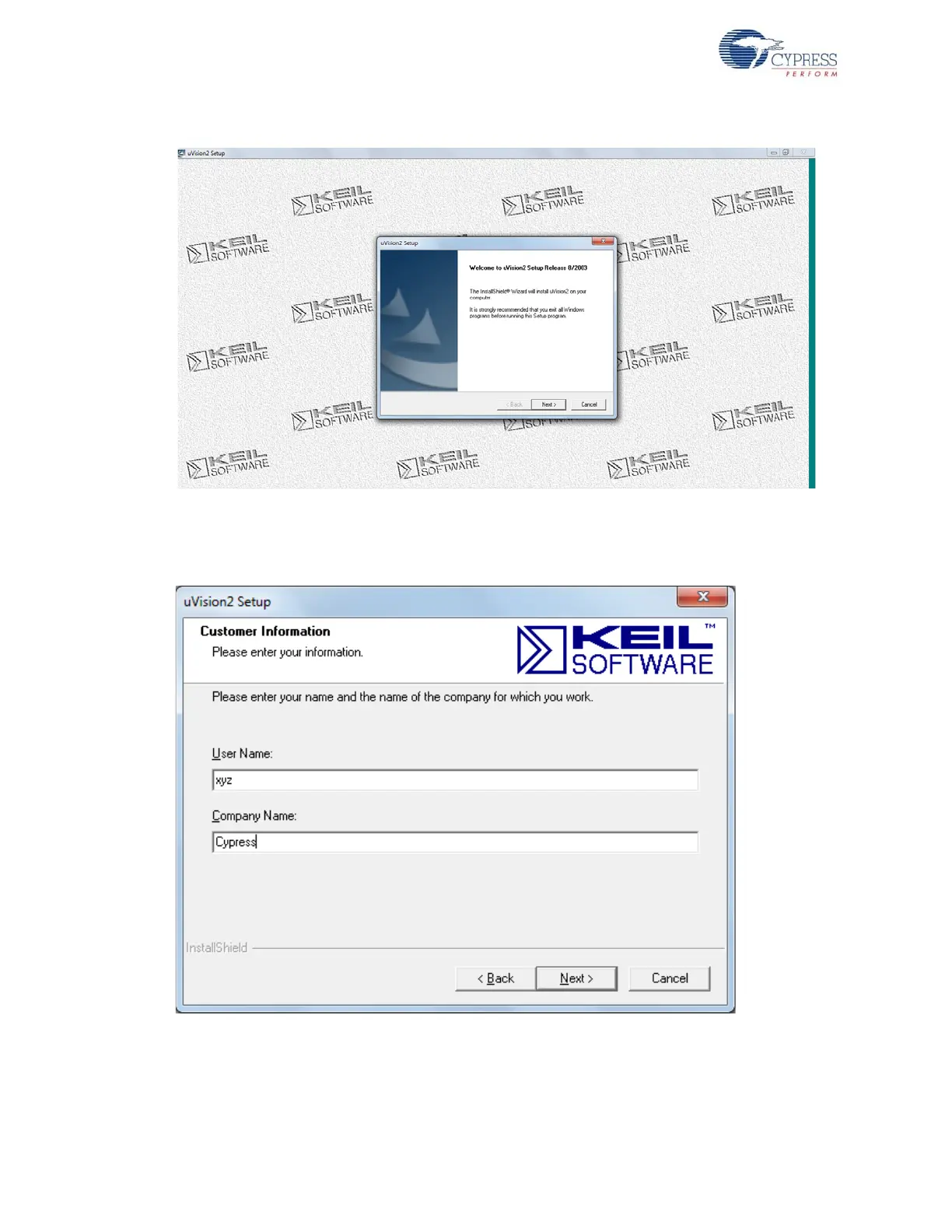
Figure 2-5. Keil Welcome Screen
7. Enter the user name and company name credentials, as shown in Figure 2-6, to proceed with the
installation.
Figure 2-6. Keil User Information lnput Window
8. The Keil software proceeds with the installation and copies the necessary packages at the default
directory C:\Keil. After completion, click on Finish, as shown in Figure 2-7.



 To Next Page