70 EZ-USB Development Kit User Guide, Doc. # 001-66390 Rev. *D
EZ-USB Development Kit Firmware Examples
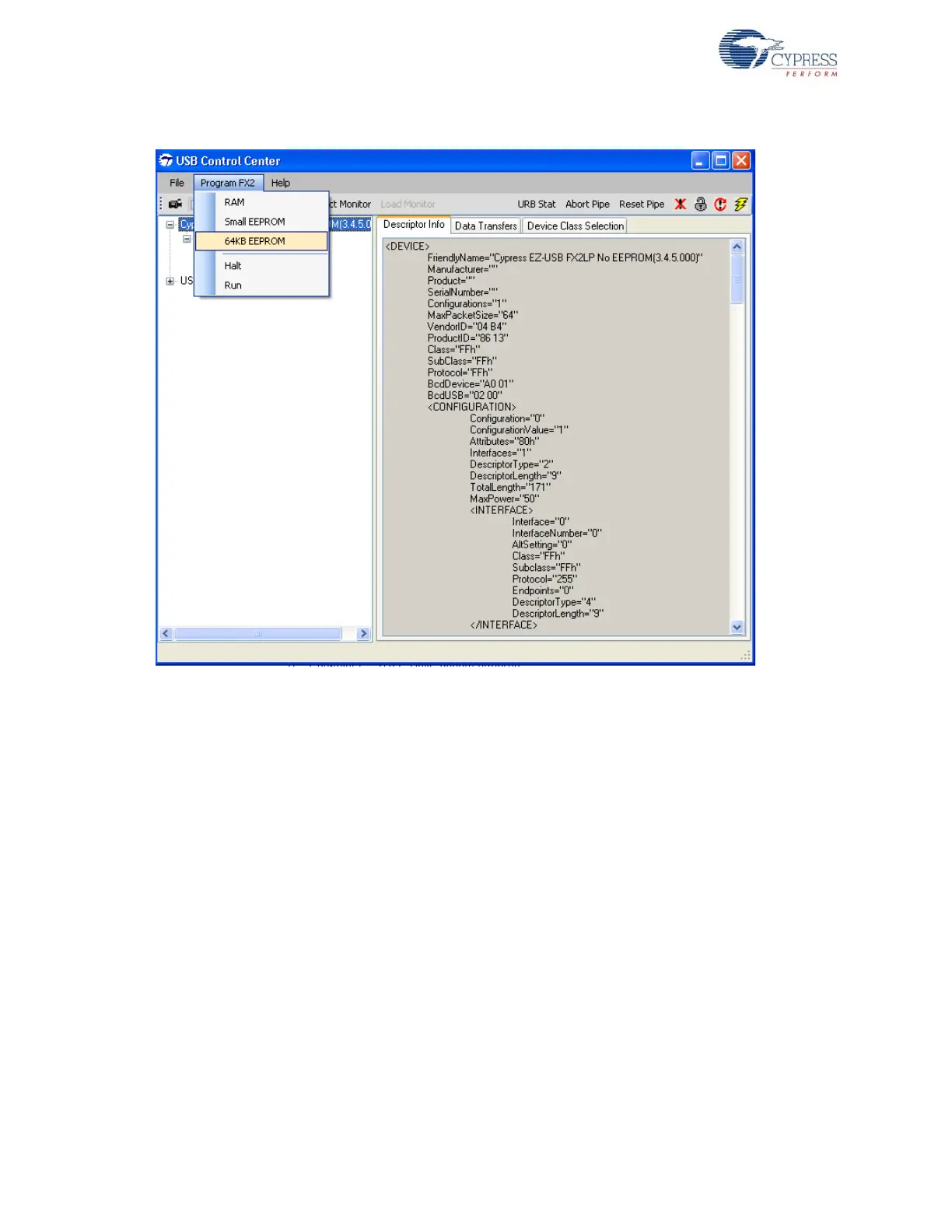
Figure 8-4. CyControlCenter Display to Download Image to Large EEPROM
Note To download the image to the small EEPROM, follow the instructions in steps 1 to 7. The only
changes are the on-board EEPROM settings in step 2 (SW1-SMALL EEPROM, SW2-EEPROM).
Additionally, the Cyconsole EZ-USB Interface Window selects S EEPROM instead of Lg EEPROM
before download and in CyControlCenter menu, select Program FX2 > small EEPROM instead of
64KB EEPROM.
8.2.4 Binding Cypress USB Driver for the Downloaded Firmware Image
The hib_kb project contains firmware for a HID-class keyboard device (Interface class: HID = 03
and subclass = 00) and uses the Microsoft native HID driver, instead of Cypress generic USB driver.
8.2.5 Testing the hid_kb Firmware Example Functionality
The EZ-USB development board enumerates as a human interface device (HID). Open the Device
Manager Window by typing devmgmt.msc in Start > Run. In Windows Vista and Windows 7 OS
platforms, type devmgmt.msc directly in the vacant box near the Start button. The device will be
shown as part of the HID devices list. Open a new notepad in Windows and point the mouse to the
text area of the notepad. Press buttons F2, F3, and F4 sequentially and observe the letters 'a', 'b', 'c'
getting printed in the notepad. Press them simultaneously with F1 and observe the alphabets 'A', 'B',
and 'C' on the notepad.



 To Next Page