18D-Link D-ViewCam User Manual
Section 3 - Conguration
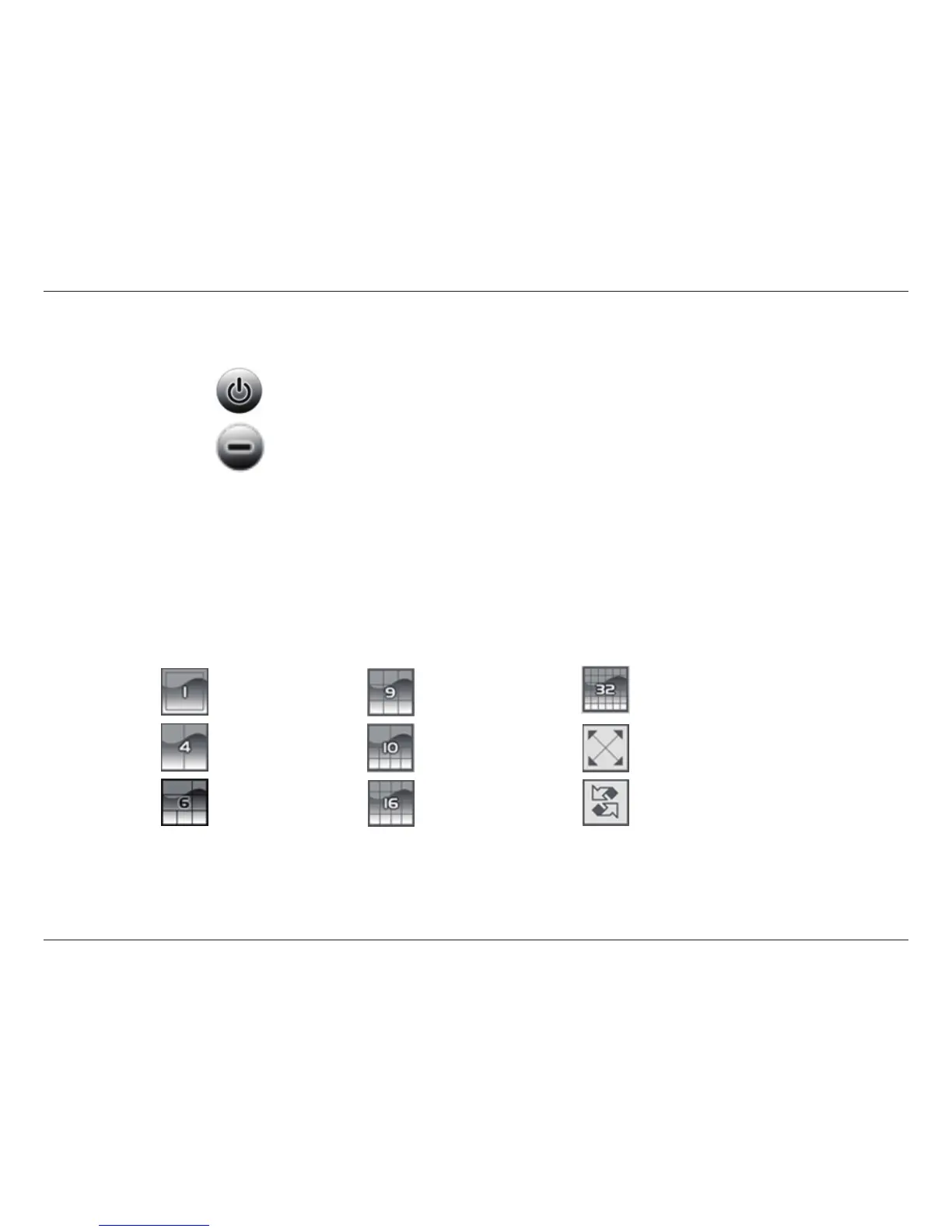
Select a split-screen display layout by clicking on the desired layout icon. The system provides 4, 6, 9, 10, 16, and 36 split screen modes.
To switch to single camera display, double-click the camera’s image. To return to the previous conguration screen, press the Esc key or
double-click on the screen again.
Split Screen Options
Displays 1 screen. Divides into 9 screens. Divides into 32 screens.
Divides into 4 screens. Divides into 10 screens. Switch to full screen.
Divides into 6 screens. Divides into 16 screens. Rotate all screens.
Exit/Minimize
Click to log the current user out or to close the D-ViewCam program.
Click to minimize the window.


 To Next Page