68D-Link D-ViewCam User Manual
Section 3 - Conguration
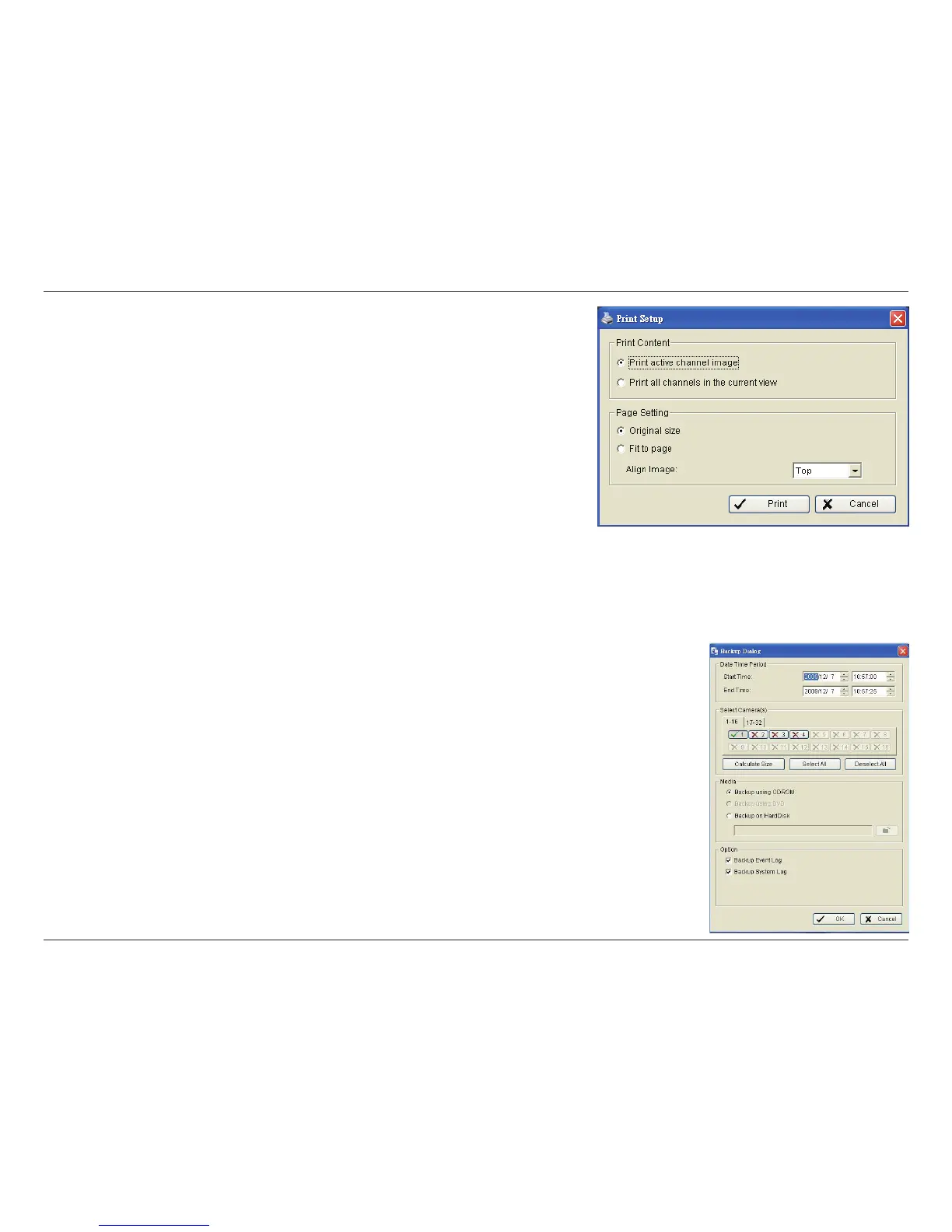
Print
Print the current image of the video you have selected.
Print Content: Print the image from the selected channel or all the channels
shown on the screen.
Page Setting: Set to print the image at the Original Size or Fit to Page. Set
the alignment from the Align Image drop-down (Top, Center, or Bottom).
Print: Click to print the image.
The Backup function saves everything from the Playback panel, including log information.
You can start a full function Playback Console and load the backup les into it on any PC with Windows operating system. This means
you may monitor the real time video and work on the backup les on separate computers simultaneously.
Step 1: Press the Open Record button and click Backup.
Step 2: In the Date Time Period section, select the Start Time and End Time you want to backup.
Step 3: In the Select Camera(s) section, select the camera(s) you want to backup.
Step 4: Click the Calculate Size button to calculate the size of the backup data.
Step 5: Under Media, select where you would like to save the backup data.
Step 6: Under Option, check the type of data you want to backup.
Step 7: Click the Backup button to start backing up.


 To Next Page