96D-Link D-ViewCam User Manual
Section 3 - Conguration
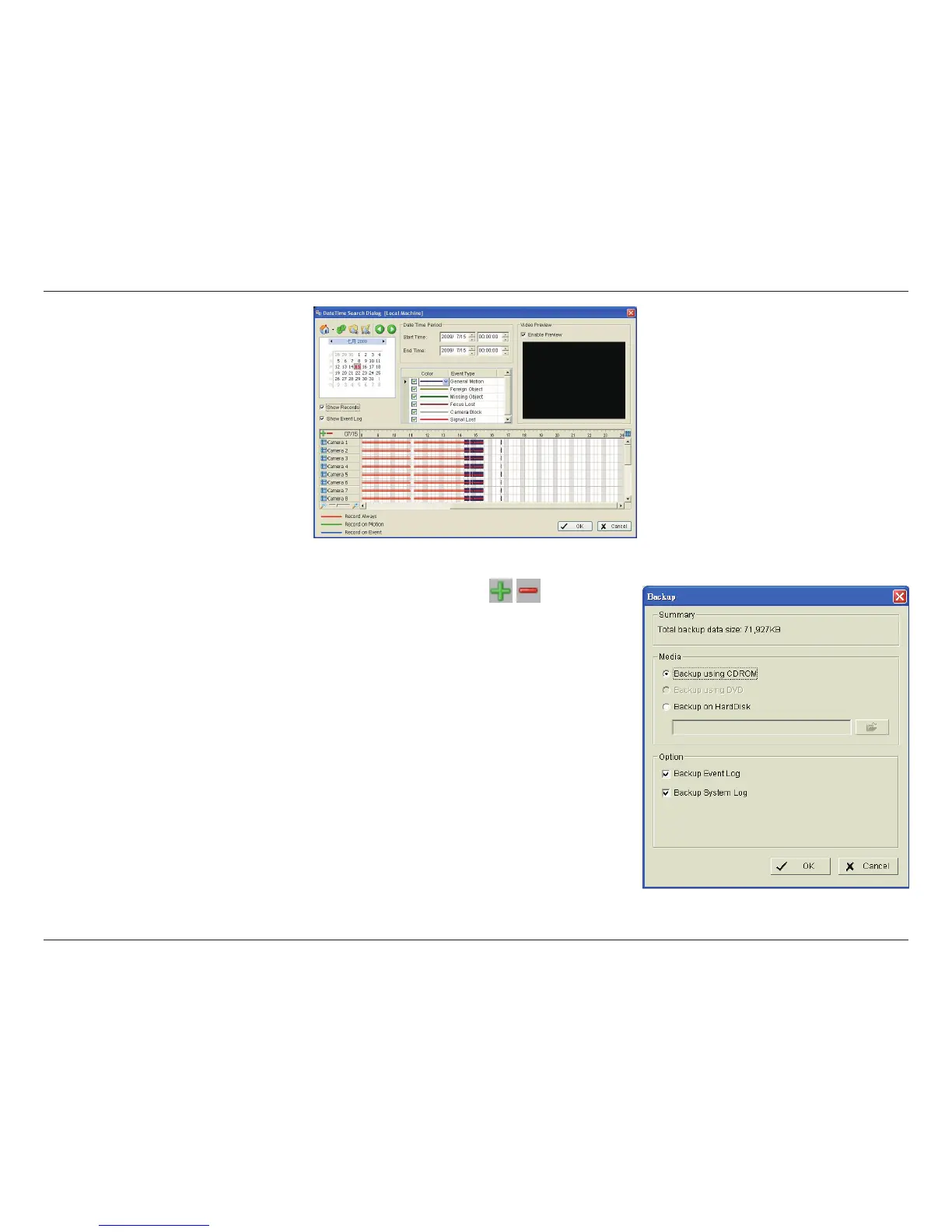
Step 5: Click on the camera number icon to add camera(s) or click
to add/
delete all channels.
Step 6: Check the Enable Preview box to display the preview of the video you
selected.
Step 7: Click OK when the settings are complete.
Step 8: If there is a data period you do not want, click Remove Period to remove the
data period from the backup list.
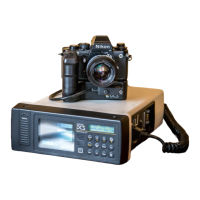
Step 9: Click the Backup icon to open the Backup panel.
Step 10: Under Media, select the path you want to save the le or burn the le directly
to a CD (direct CD burning for Windows
®
XP only), DVD or to a hard drive.
Step 11: Under Option, select the log information you would like to backup (Event Log
or System Log,), and then click OK.


 To Next Page