xStack
®
DGS-3600 Series Layer 3 Managed Gigabit Ethernet Switch
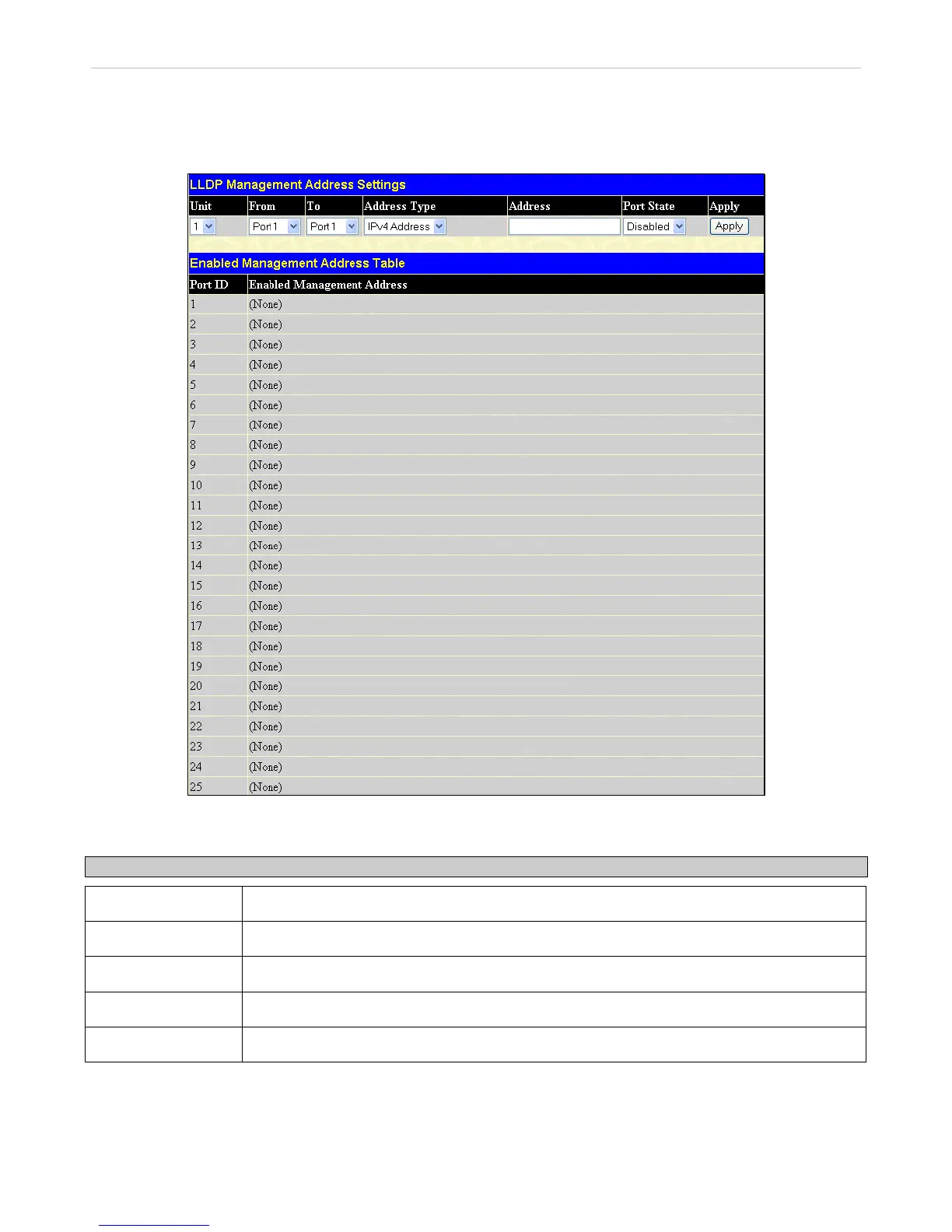
LLDP Management Address Settings
The following window is used to set up LLDP management address settings on the Switch.
To view this window, click L2 Features > LLDP > LLDP Management Address Settings, as shown below:
Figure 3- 69. LLDP Management Address Settings window
The following parameters can be set or displayed:
Parameter Description
Unit
Select the desired stacking unit, if applicable.
From/To
Select a port or group of ports using the pull-down menus.
Address Type
Use the drop-down menu to toggle between IPV4 Address and IPV6 Address.
Address
Enter the LLDP management address in this field.
Port State
Use the drop-down menu to toggle the Port State between Enabled and Disabled.
Click Apply to implement changes made.
154












 To Next Page