DIR-816L Wireless AC750 Dual Band Router & Access Point
with 3G/CDMA/LTE Support and USB Port
User Manual
Configuring Device (Router Mode)
Ping
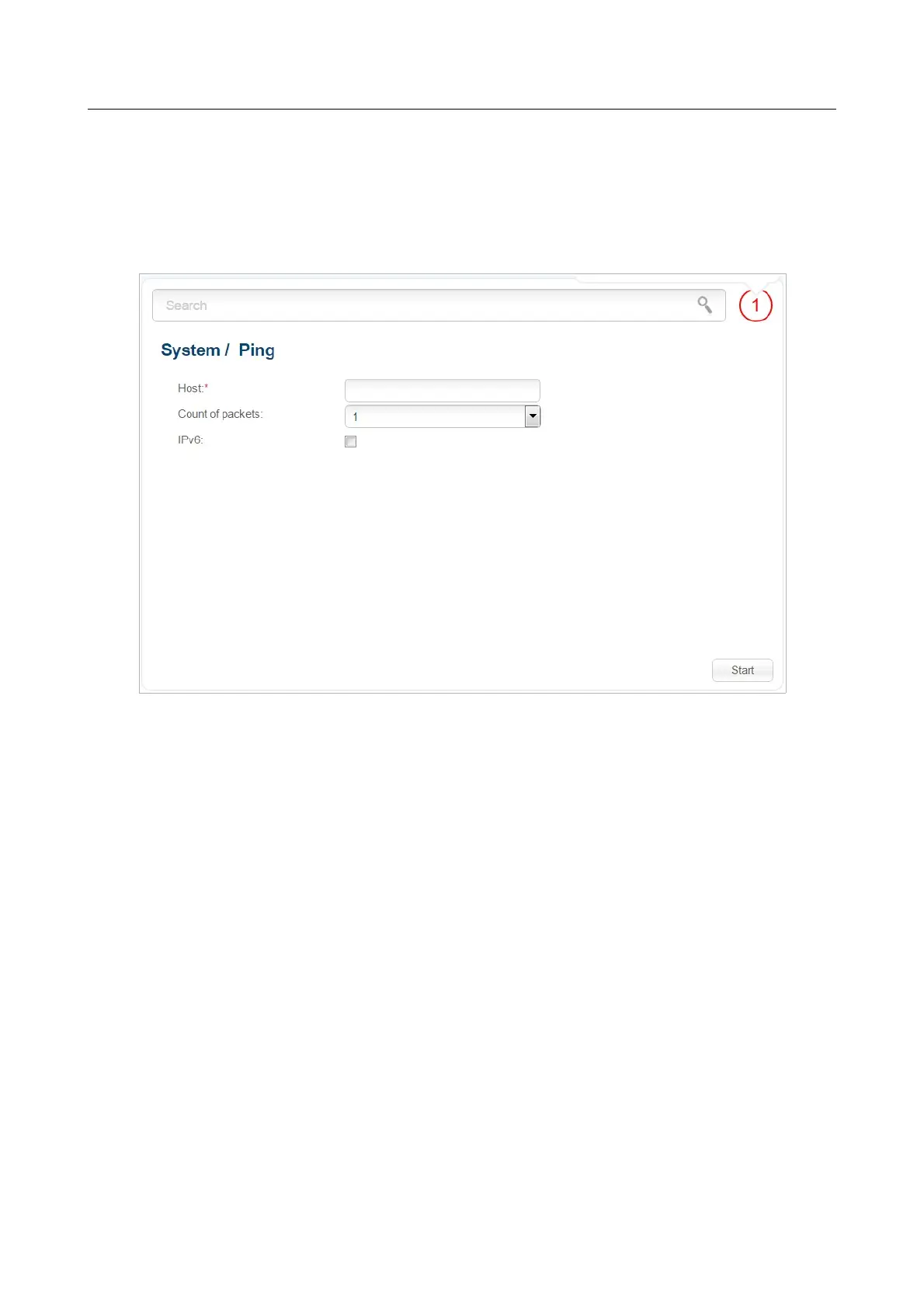
On the System / Ping page, you can check availability of a host from the local or global network
via the Ping utility.
The Ping utility sends echo requests to a specified host and receives echo replies.
Figure 177. The System / Ping page.
To check availability of a host, enter the IP address or name of this host in the Host field, and select
a number of requests that will be sent in order to check its availability from the Count of packets
drop-down list. If availability check should be performed with IPv6, select the relevant checkbox.
Click the Start button. After a while, the results will be displayed on the page.
Page 228 of 304



 To Next Page