DIR-816L Wireless AC750 Dual Band Router & Access Point
with 3G/CDMA/LTE Support and USB Port
User Manual
Installation and Connection
Web-based Interface Structure
General Information Page
After successful registration the Home / Information page opens. The selected operating mode
defines the view of the page and the components of the web-based interface.
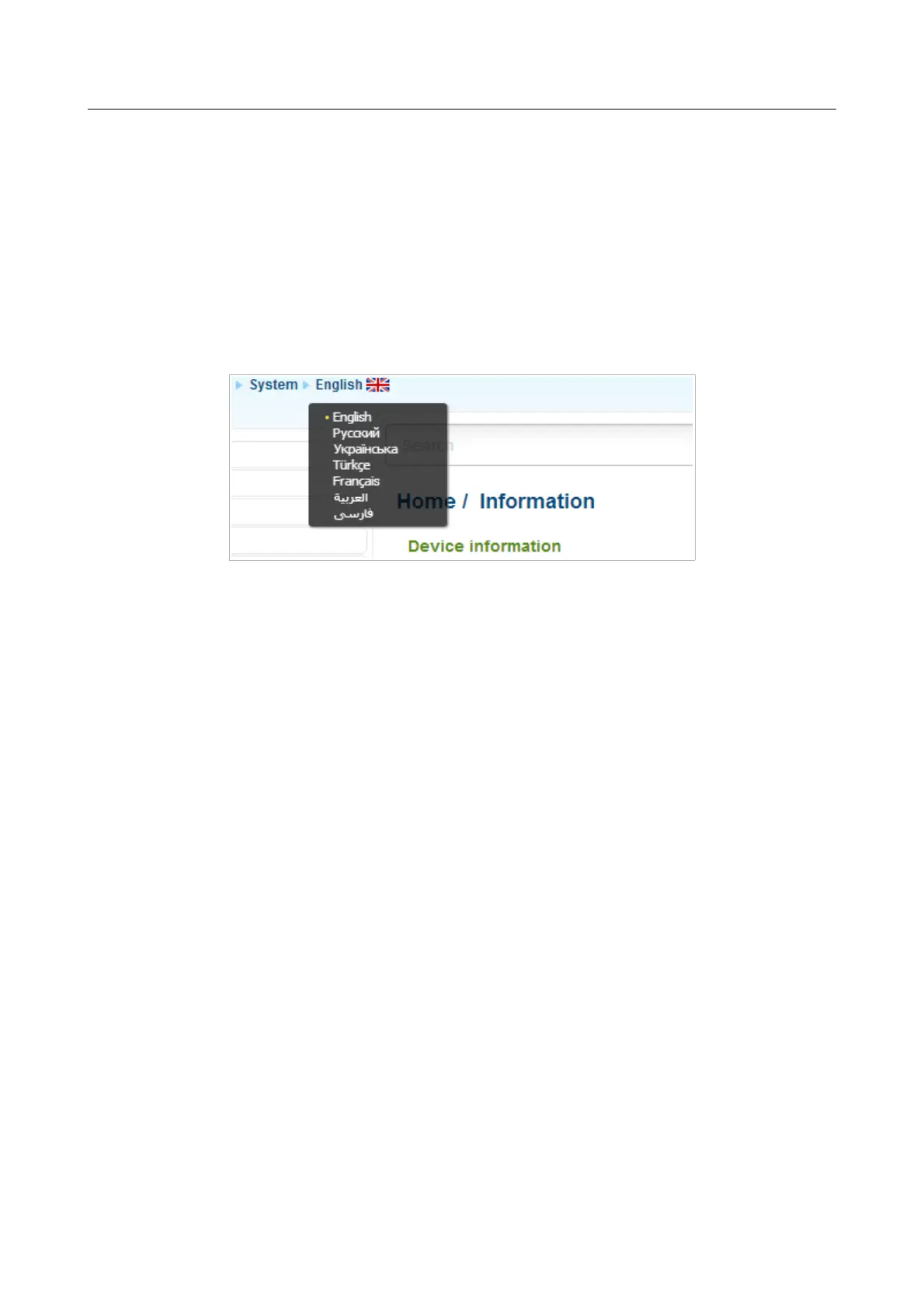
The web-based interface of the router is multilingual. If you need to select another language for the
web-based interface, place the mouse pointer over the English caption in the top part of the page
and select a language from the menu displayed.
Figure 19. Changing the language of the web-based interface.
Also you can find a specific page via search. To do this, enter the name of the page, wholly or
partly, in the search bar in the top part of the web-based interface page, and then select a needed
link in the search results.
Page 34 of 304



 To Next Page