xStack
®
DES-3200 Series Layer 2 Managed Fast Ethernet Switch CLI Reference Guide
55
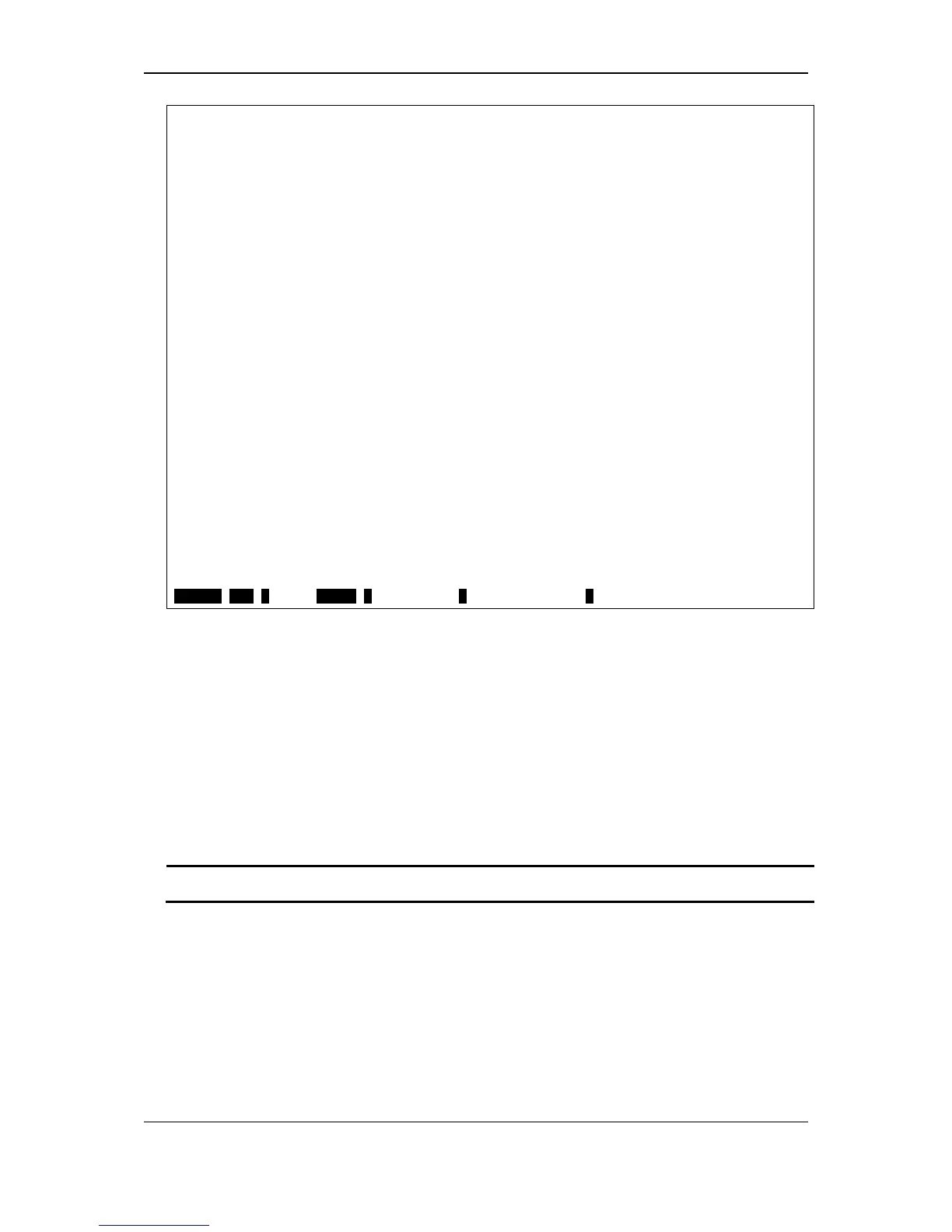
DES-3200-28P:admin#show auth_statistics ports 1
Command: show auth_statistics ports 1
Port Number : 1
EapolFramesRx 0
EapolFramesTx 9
EapolStartFramesRx 0
EapolReqIdFramesTx 6
EapolLogoffFramesRx 0
EapolReqFramesTx 0
EapolRespIdFramesRx 0
EapolRespFramesRx 0
InvalidEapolFramesRx 0
EapLengthErrorFramesRx 0
LastEapolFrameVersion 0
LastEapolFrameSource 00-00-00-00-00-00
CTRL+C ESC q Quit SPACE n Next Page p Previous Page r Refresh
4-26 show auth_diagnostics
Description
This command is used to display information of authenticator diagnostics.
Format
show auth_diagnostics {ports <portlist>}
Parameters
ports - (Optional) Specify a range of ports to be displayed.
<portlist> - Enter the list of ports that will be displayed here.
Restrictions
None.
Example
To display authenticator diagnostics information for port 1:













 To Next Page