User's Manual
118
You need to insert the USB storage device that contains the upgrading files.
Step 4 Select the checkbox of the channel that you want to upgrade.
Step 5 Click
Update
.
Step 6 If the upgrading is successful, the system pops up a message indicating the upgrading is
completed.
5.6 Configuring Remote Devices
5.6.1 Adding Remote Devices
This function is available after you have configured the channel type as IP channel as described in
previous section, see "5.5.7 Configuring Channel Type".
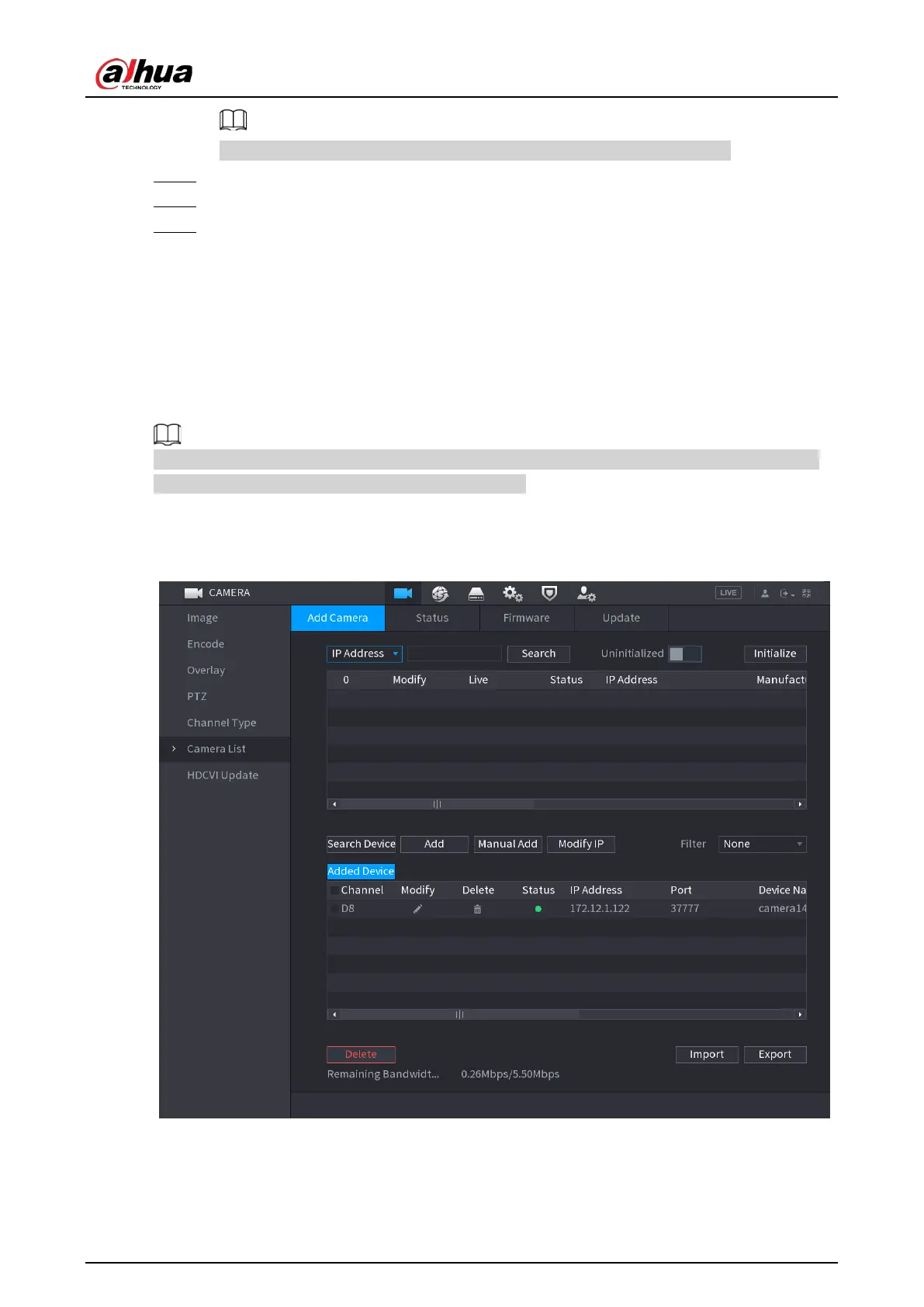
You can add remote devices by adding the IP address.
Select
Main Menu
>
CAMERA
>
Camera List
>
Add Camera
.
Figure 5-72 Add camera



 To Next Page
 Loading...