User's Manual
213
select the save path and file type, and then click
Start
.
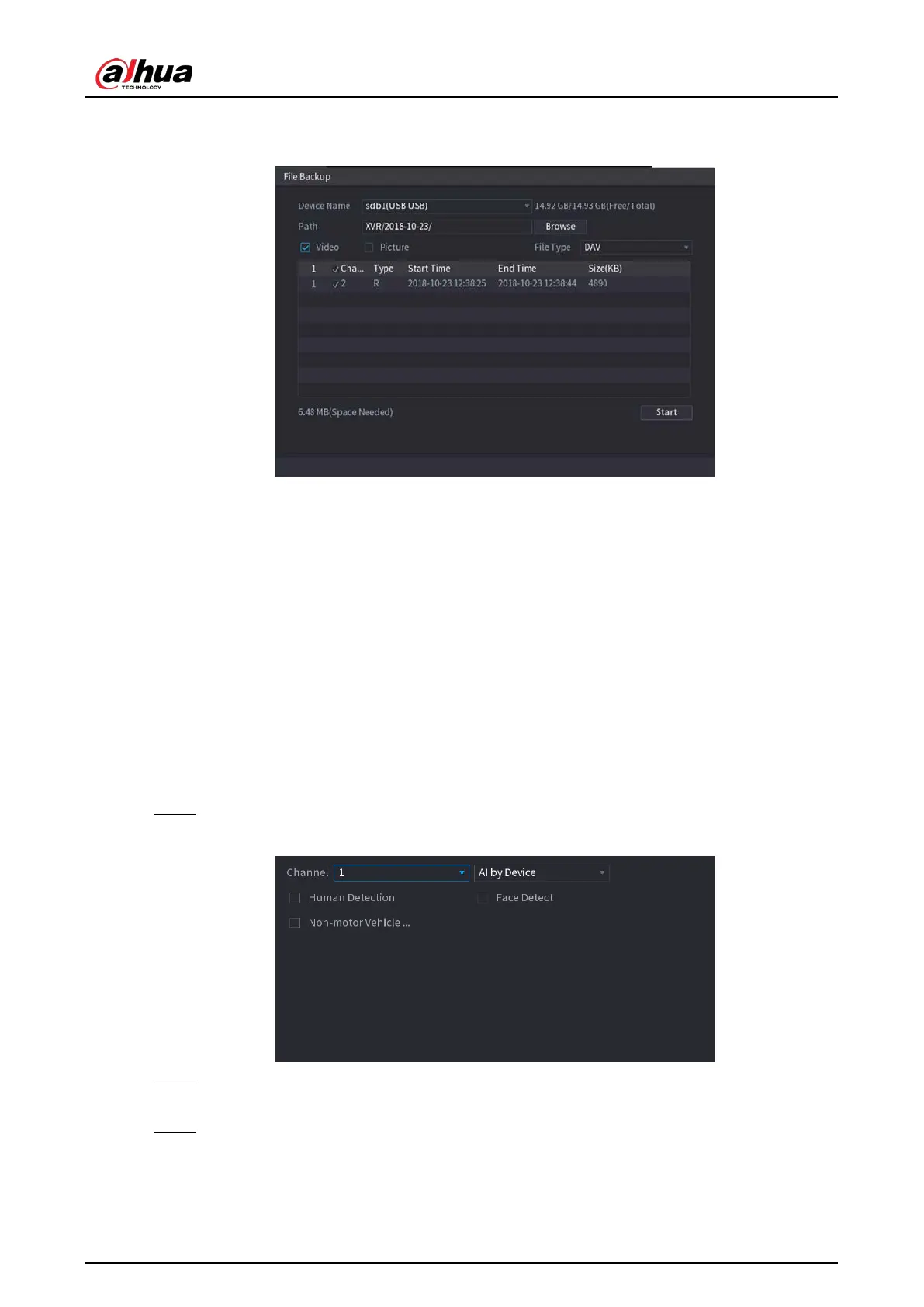
Figure 5-173 Backup
●
To lock the files to make it unable to be overwritten, select the files, and then click
Lock
.
●
To add a mark to the file, select the files and then click
Add Tag
.
5.11.2.4 Video Structuring
The device can detect and extract key features from the human bodies and non-motor vehicles in
the video, and then build a structured database. You can search any target you need with these
features.
5.11.2.4.1 Configuring Video Structuring
Procedure
Step 1 Select
Main Menu
>
AI
>
Parameters
>
Video Structuring
.
Figure 5-174 Video structuring
Step 2 In the
Channel
list, select a channel that you want to configure video structuring function,
and then enable it.
Step 3 At
Type
, you can select from
AI by Camera
and
AI by Device
.
●
AI by Camera
: This option requires certain AI cameras. The camera will do all the AI
analysis, and then give the results to the DVR.
●
AI by Device
: The camera only transmits normal video stream to the DVR, and then the



 To Next Page
 Loading...