User's Manual
113
Parameter Description
Interval
Configures or customizes the snapshot frequency. You can select 1
second per one snapshot to 7 seconds per one snapshot. The
maximum is 3600 seconds per one snapshot.
Step 3 Click
Apply
to complete the settings.
Click
Copy to
to copy the settings to other channels.
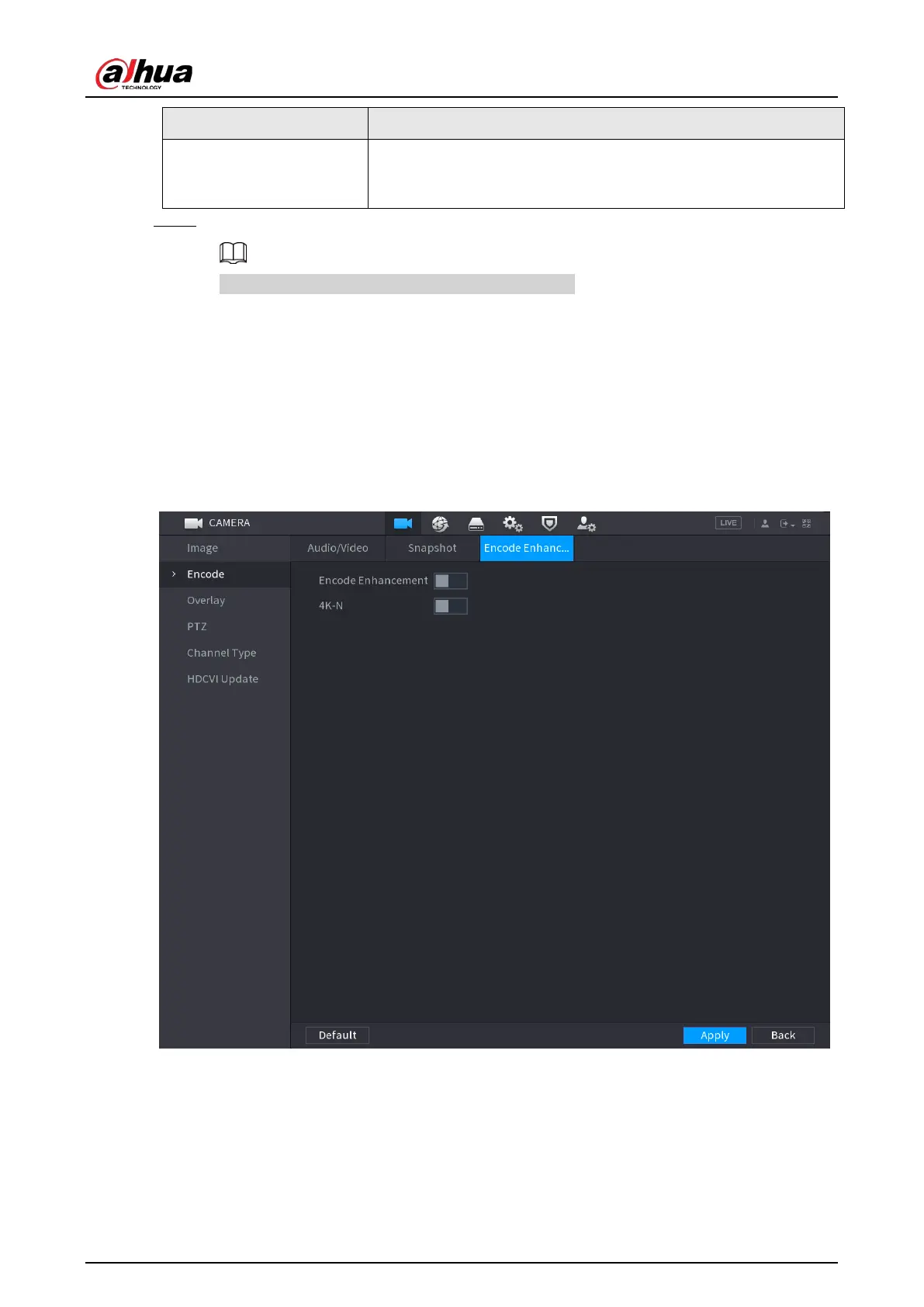
5.5.4 Configuring Encode Enhancement
You can enable this function and get more FPS in encode settings (see "5.5.2 Configuring Encode
Settings"). In the meantime, you will not be able to use extra screen function (see "5.2.8.1
Configuring Display Settings") and AI functions (see "5.11 AI Function").
Select
Main Menu
>
CAMERA
>
Encode
>
Encode Enhancement
.
Figure 5-67 Encode enhancement
Click the switch to enable it.
When connecting to the new generation 4K cameras, you can enable
4K-N
to switch 4K non-live
view to 4K-N live view and encoding.


 To Next Page
 Loading...
