User's Manual
155
Procedure
Step 1 Select
Main Menu
>
ALARM
>
Alarm Info
.
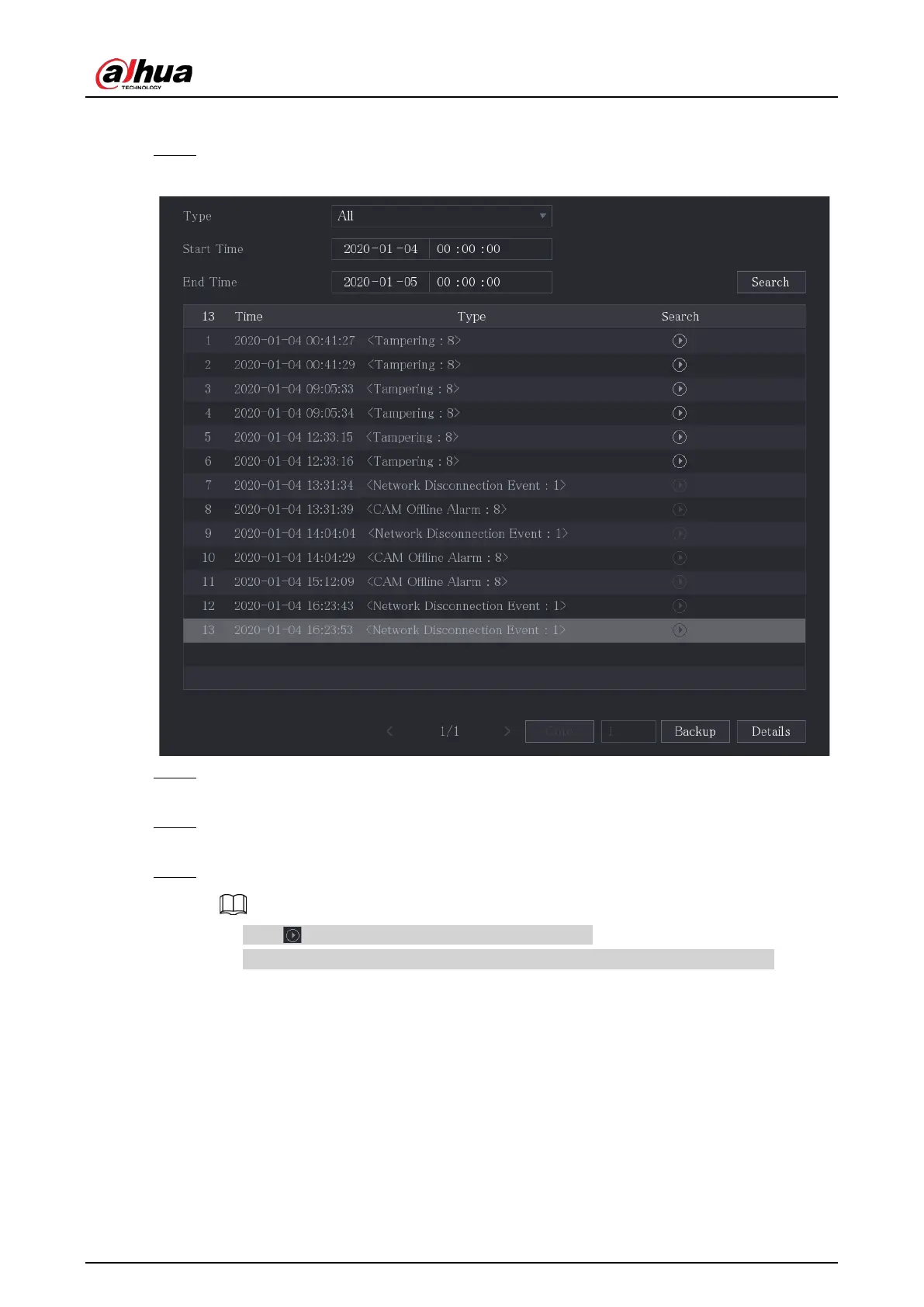
Figure 5-111 Alarm info
Step 2 In the
Type
list, select the event type; In the
Start Time
box and
End Time
box, enter the
specific time.
Step 3 Click
Search
.
The search results are displayed.
Step 4 Click
Backup
to back up the search results into the external storage device.
●
Click to play the recorded video of alarm event.
●
Select an event and click
Details
to view the detailed information of the event.
5.10.2 Alarm Input Settings
Connect the alarm input and output ports by referring to . You can configure the alarm settings for
each channel individually or apply the settings to all channels and then save the settings."4.3
Connecting to Alarm Input and Output".
5.10.2.1 Configuring Local Alarms
You can connect the alarm device to the alarm input port of the Device. When the alarm is activated



 To Next Page
 Loading...