User's Manual
285
Parameter Description
Output Port
Includes two options: MIC and Audio. It is MIC by default. The MIC function
shares the same port with talkback function and the latter has the priority.
●
The finish time for audio playing is decided by audio file size and the configured
interval.
●
Playing priority:
Alarm event
>
Talkback
>
Audio file
>
Trial listening
.
Step 3 Click
Apply
to complete the settings.
5.18 Storage Management
Storage management function manages the stored resources such as recorded video files and
storage space. The function aims at providing easier operation and improving the storage efficiency.
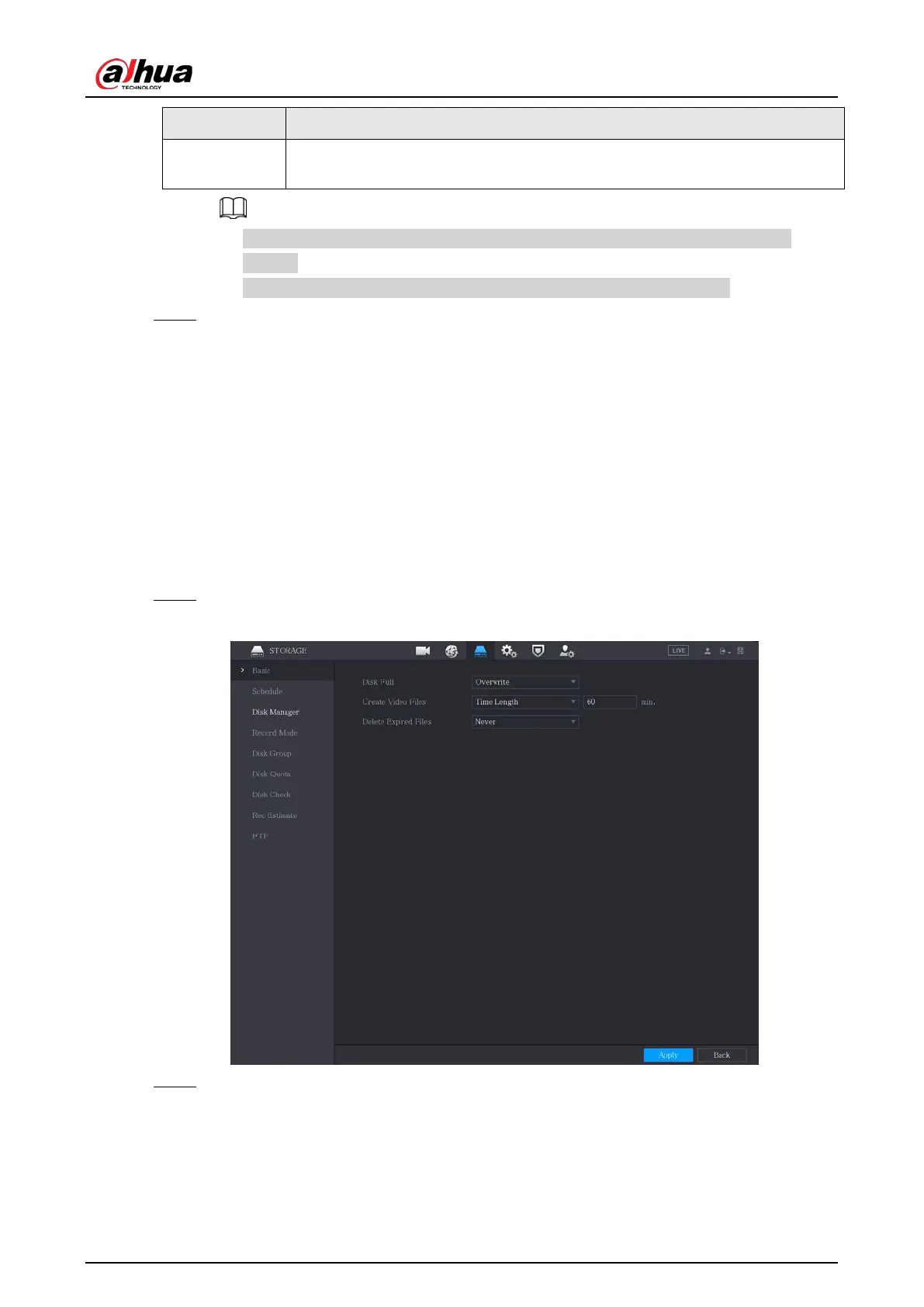
5.18.1 Configuring Basic Settings
Procedure
Step 1 Select
Main Menu
>
STORAGE
>
Basic
.
Figure 5-255 Basic
Step 2 Configure the settings for the basic settings parameters.



 To Next Page
 Loading...