User's Manual
126
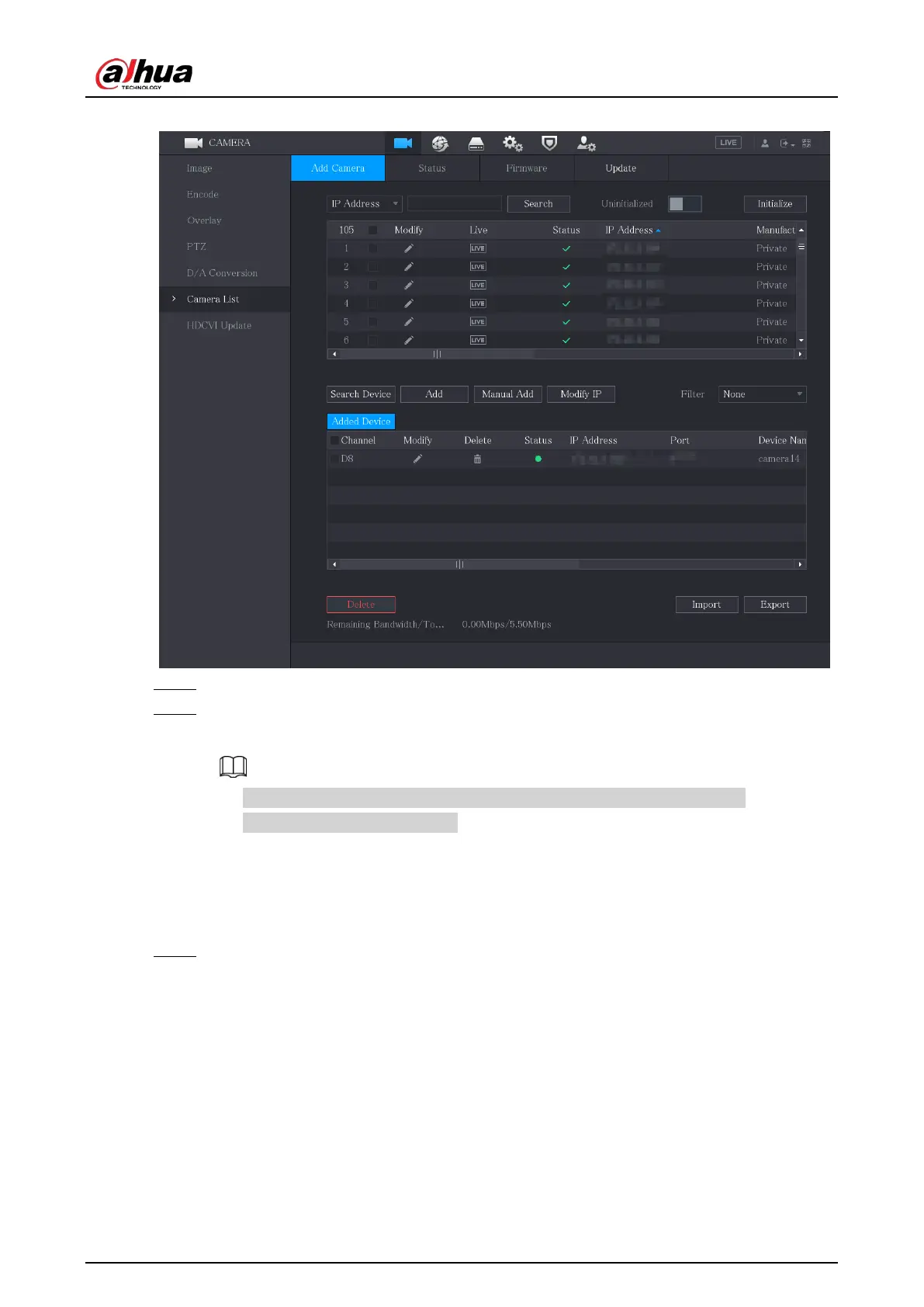
Figure 5-80 Search device
Step 2 Select the checkbox of the device.
Step 3 Click
Add
.
The device is added into the
Added Device
area.
●
You can also double-click the device to add it into the
Added Device
area.
●
You can add devices in batches.
5.6.1.3 Adding Remote Devices Manually
Procedure
Step 1 On the
Add Camera
page, click
Manual Add
.


 To Next Page
 Loading...
