User's Manual
11
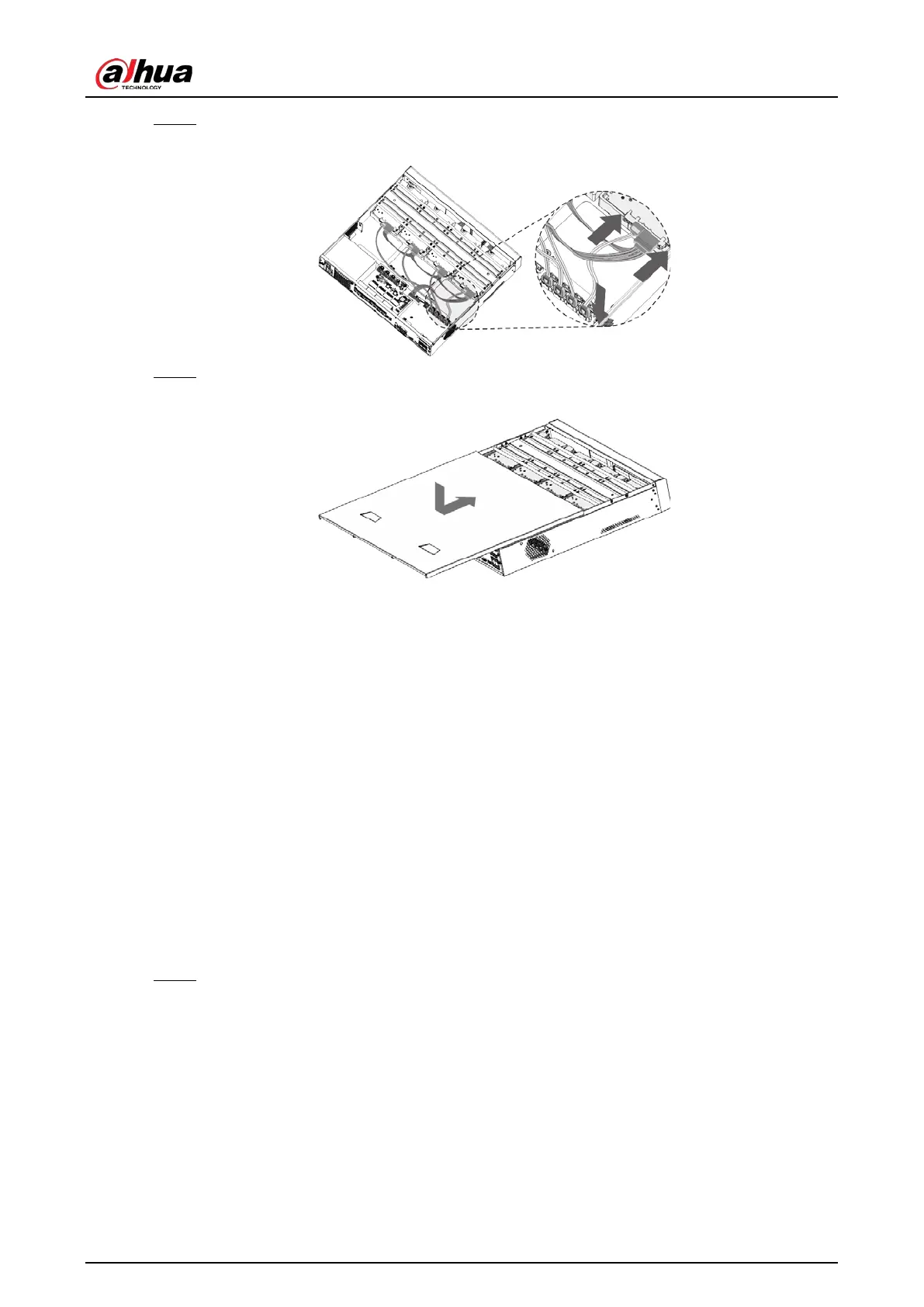
Step 7 Connect the HDD data cable and power cable to the device.
Figure 2-22 Connect cables
Step 8 Put back the cover and fasten the screws on the rear panel to complete the installation.
Figure 2-23 Put back cover
2.2.4 DH-XVR1Bxx-I/DH-XVR1BxxH-I/DH-XVR41xxC-I/DH-
XVR41xxHS-I/DH-XVR51xxH-I/DH-XVR51xxH-I2/DH-XVR51xxH-
I3/DH-XVR51xxH-4KL-I2/DH-XVR51xxH-4KL-I3/DH-XVR51xxHE-
I2/DH-XVR51xxHE-I3/DH-XVR51xxHE-4KL-I2/DH-XVR51xxHE-4KL-
I3/DH-XVR51xxHS-I2/DH-XVR51xxHS-I3/DH-XVR51xxHS-4KL-
I2/DH-XVR51xxHS-4KL-I3/DH-XVR71xxH-4K-I2/DH-XVR71xxH-4K-
I3/DH-XVR71xxHE-4KL-I/DH-XVR71xxHE-4K-I2/DH-XVR71xxHE-4K-
I3
Procedure
Step 1 Remove the screws on the cover.



 To Next Page
 Loading...