User's Manual
324
page is displayed. Click
Next
or
Previous
to view more log information.
●
Click
Backup
to back up the logs into the USB storage device. You can enable
Backup
Encryption
and then set a password. The password is required to open the exported
file.
●
Click
Clear
to remove all logs.
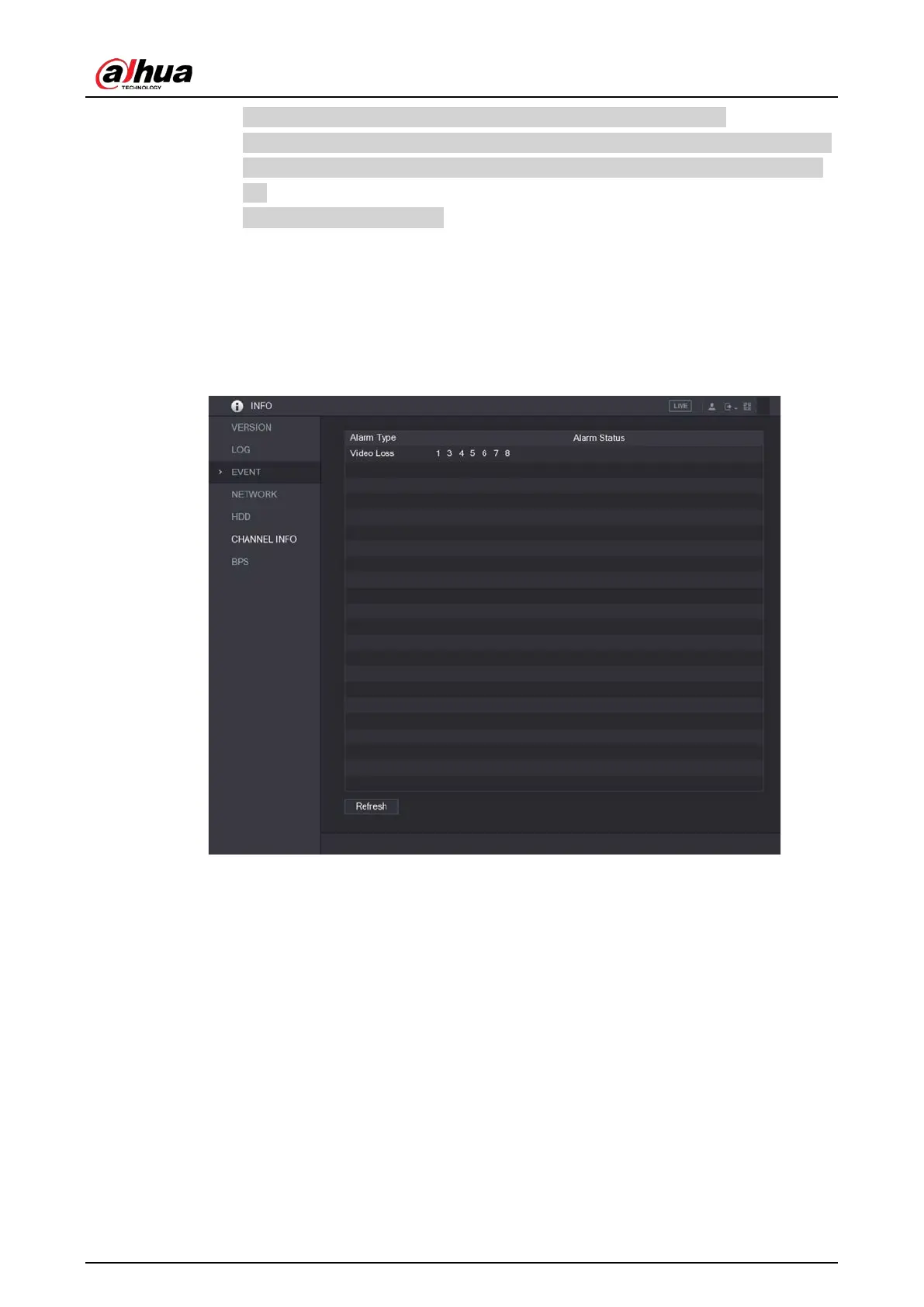
5.21.3 Viewing Event Information
You can view the event information of the Device and channel.
Select
Main Menu > INFO > EVENT
.
Figure 5-302 Event
5.21.4 Viewing Network Information
You can view the online users, network data transmission details, and test network. For details about
testing network, see "5.15.2.1 Testing the Network".
5.21.4.1 Viewing Online Users
You can view the online user information and block any user for a period of time.
Select
Main Menu > INFO > NETWORK > Online users
.



 To Next Page
 Loading...