User's Manual
280
5.16.2.2 Modifying a Group
Procedure
Step 1 Select
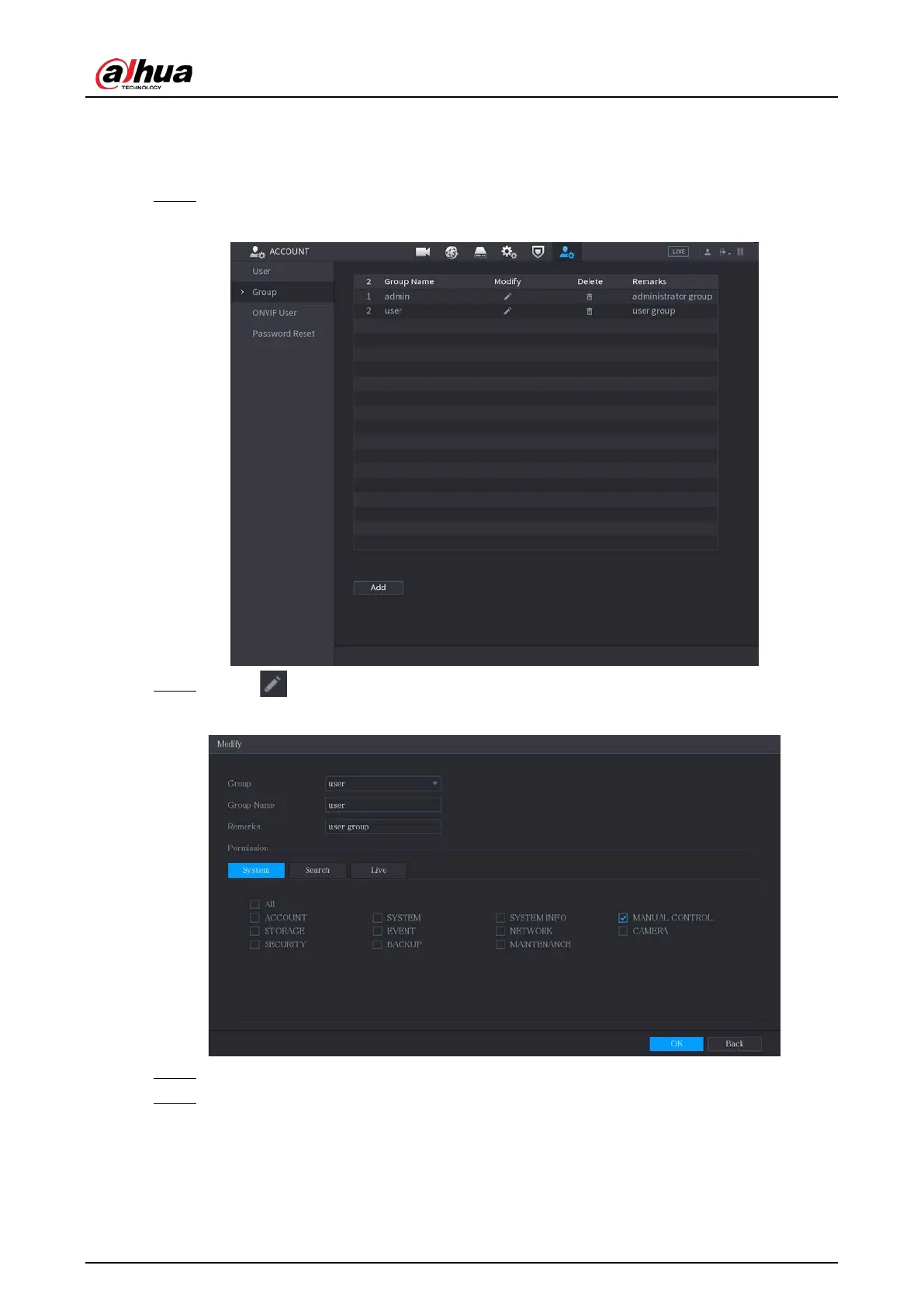
Main Menu > ACCOUNT > Group
.
Figure 5-246 Group
Step 2 Click for the group account that you want to modify.
Figure 5-247 Modify
Step 3 Change the settings for group name, memo, and authority.
Step 4 Click
OK
to complete the settings.


 To Next Page
 Loading...
