User's Manual
279
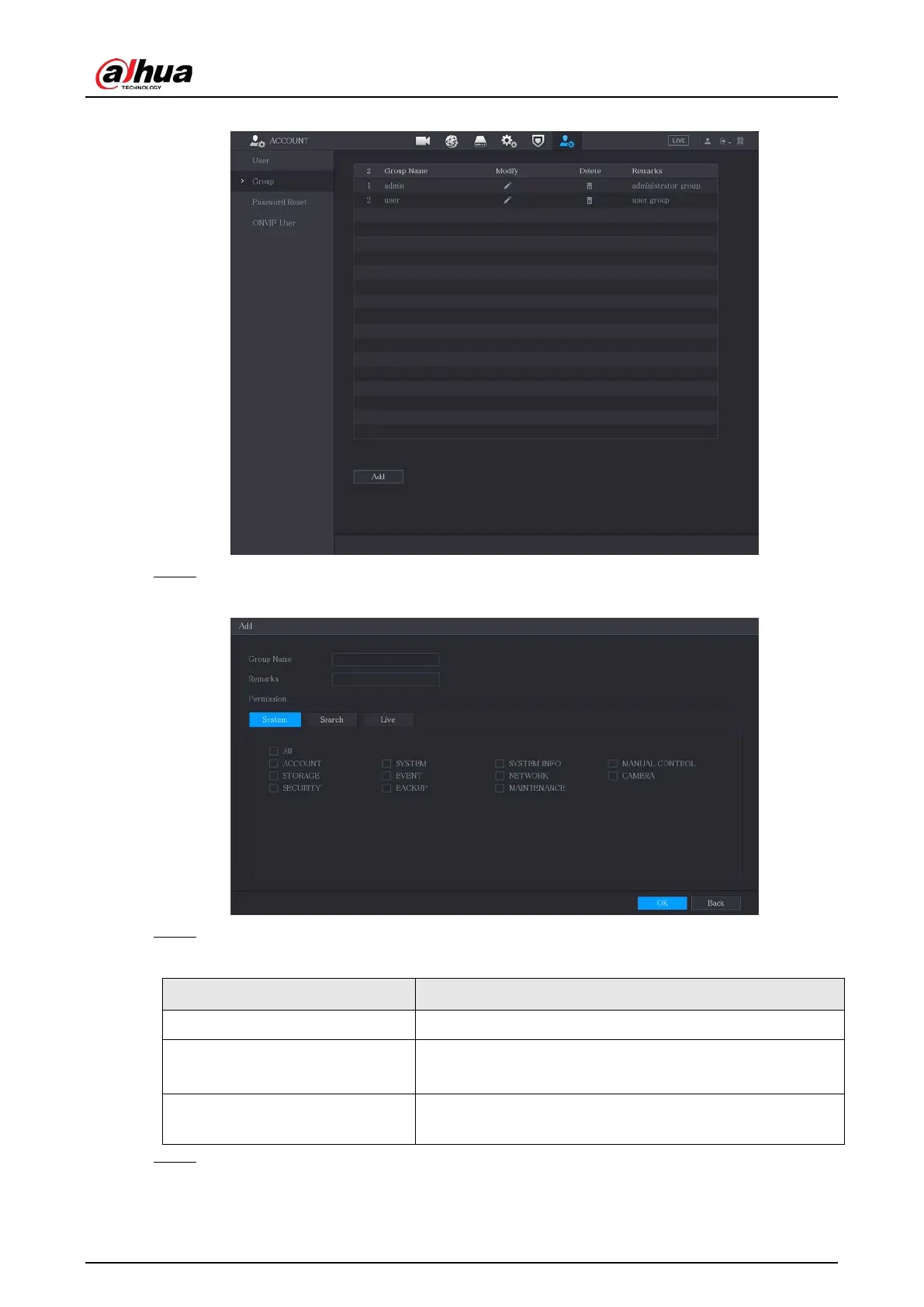
Figure 5-244 Group
Step 2 Click
Add
.
Figure 5-245 Add group
Step 3 Configure the settings for the parameters of adding a group.
Table 5-67 Parameters of adding a group
Parameter Description
Group Name Enter a name for the group.
Remarks
Optional.
Enter a description of the account.
Permission
In the
Permission
area, select the checkboxes in the
System
tab,
Playback
tab, and
Monitor
tab.
Step 4 Click
OK
to complete the settings.


 To Next Page
 Loading...
