User's Manual
138
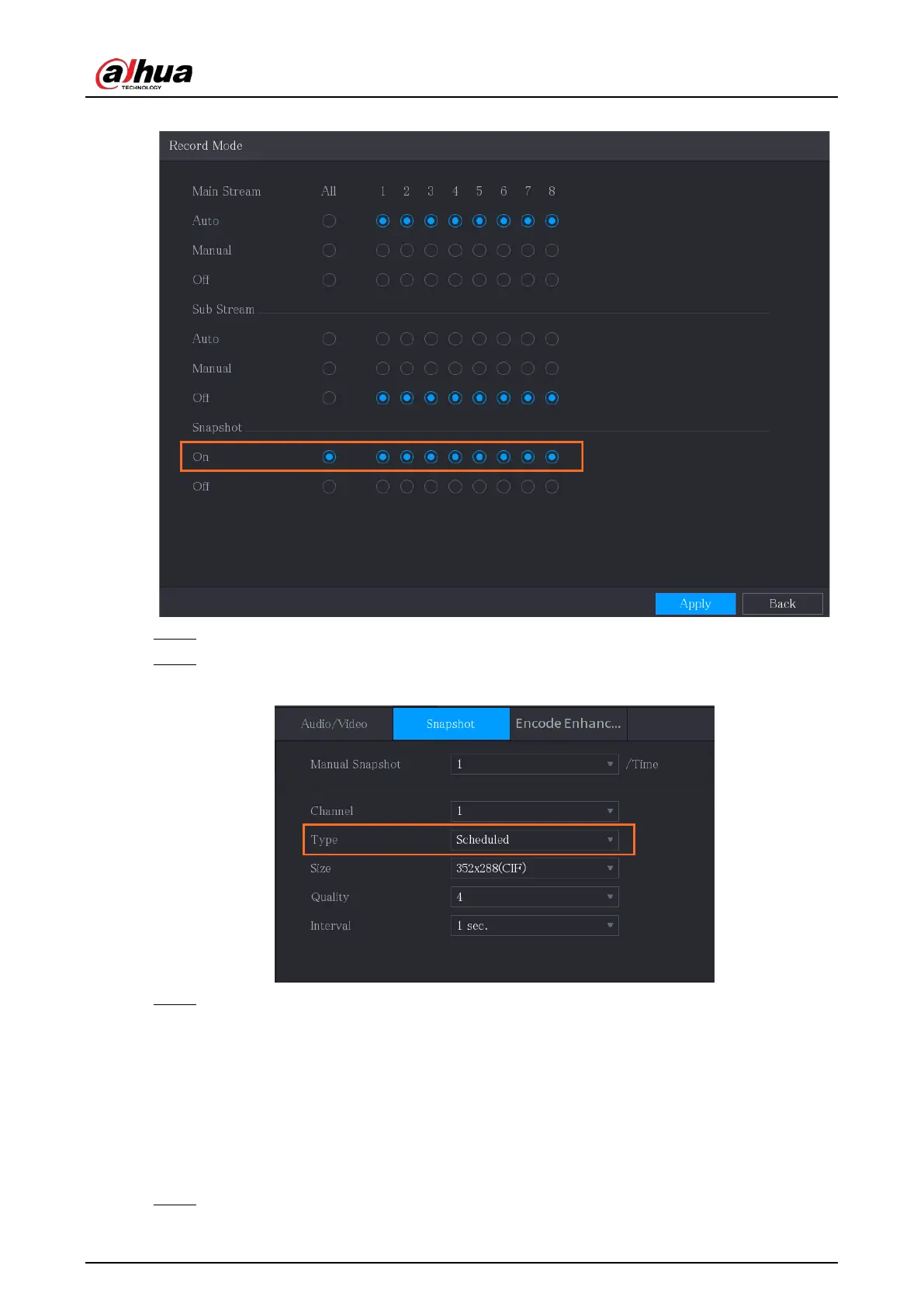
Figure 5-90 Enable snapshot
Step 4 Select
Main Menu
>
CAMERA
>
Encode
>
Snapshot
.
Step 5 In the
Type
list, select
Scheduled
, and then configure other parameters.
Figure 5-91 Type list
Step 6 Click
Apply
to save the settings.
●
If you have configured the snapshot schedule, the configuration has been completed.
●
If you have not configured the snapshot schedule, see "5.1.4.10 Configuring Snapshot
Storage Schedule".
5.8.1.2 Configuring Event Triggered Snapshot
Procedure
Step 1 Select
Main Menu
>
CAMERA
>
Snapshot
>
Encode
.


 To Next Page
 Loading...
