User's Manual
132
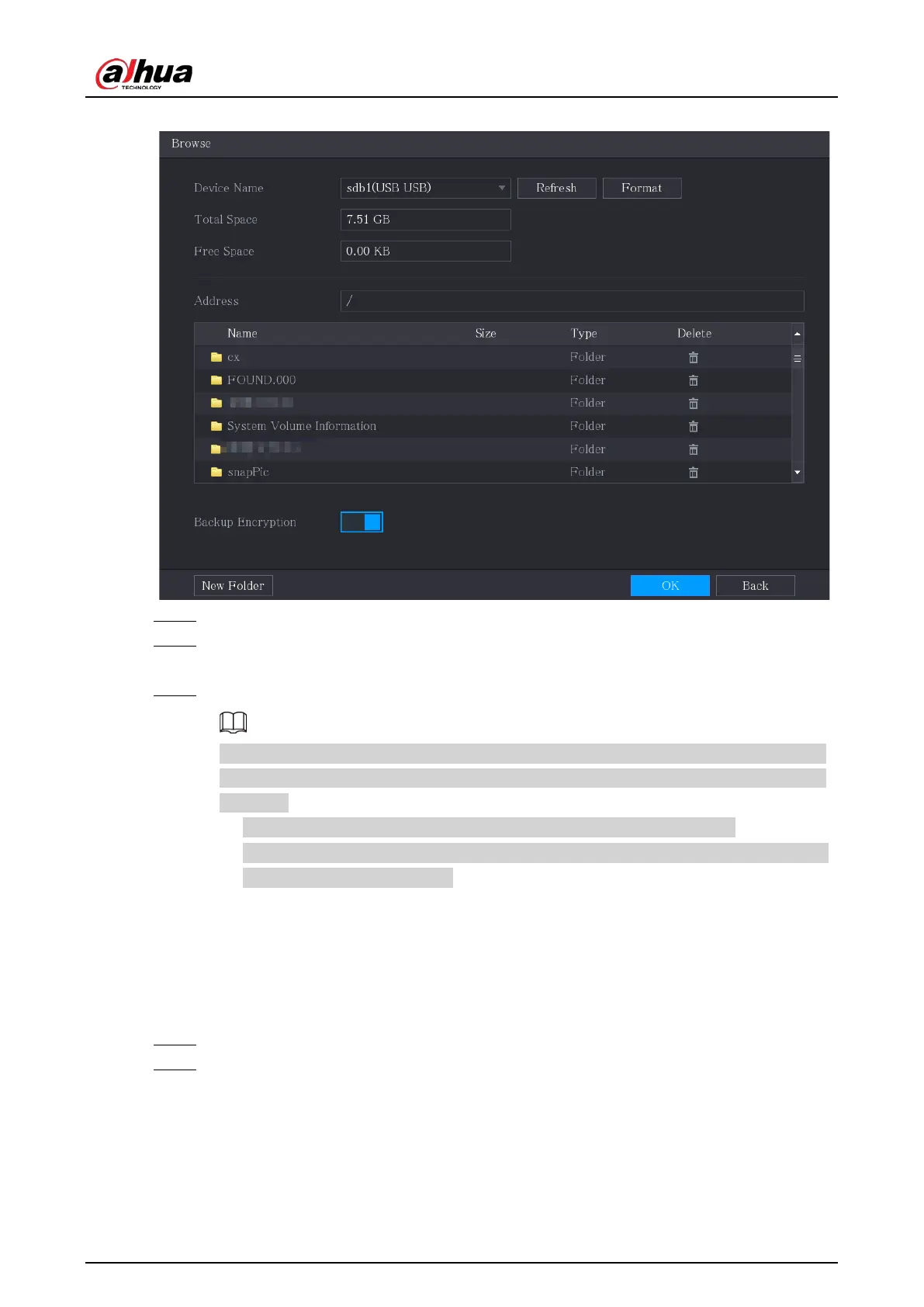
Figure 5-85 Browse
Step 3 Configure the save path.
Step 4 Click
OK
to save the settings.
A pop-up message indicating "Successfully exported" is displayed.
Step 5 Click
OK
.
When exporting IP address, the
Backup Encryption
checkbox is selected by default. The
file information includes IP address, port, channel number, manufacturer, username, and
password.
●
If you select the
Backup Encryption
checkbox, the file format is .backup.
●
If you clear the
Backup Encryption
checkbox, the file format is .csv. In this case, there
might be a risk of data leakage.
5.6.1.7 Importing IP Address
You can add remote devices by importing IP address information.
Procedure
Step 1 Insert the USB storage device to the USB port of the Device.
Step 2 Click
Import
.


 To Next Page
 Loading...
