User's Manual
299
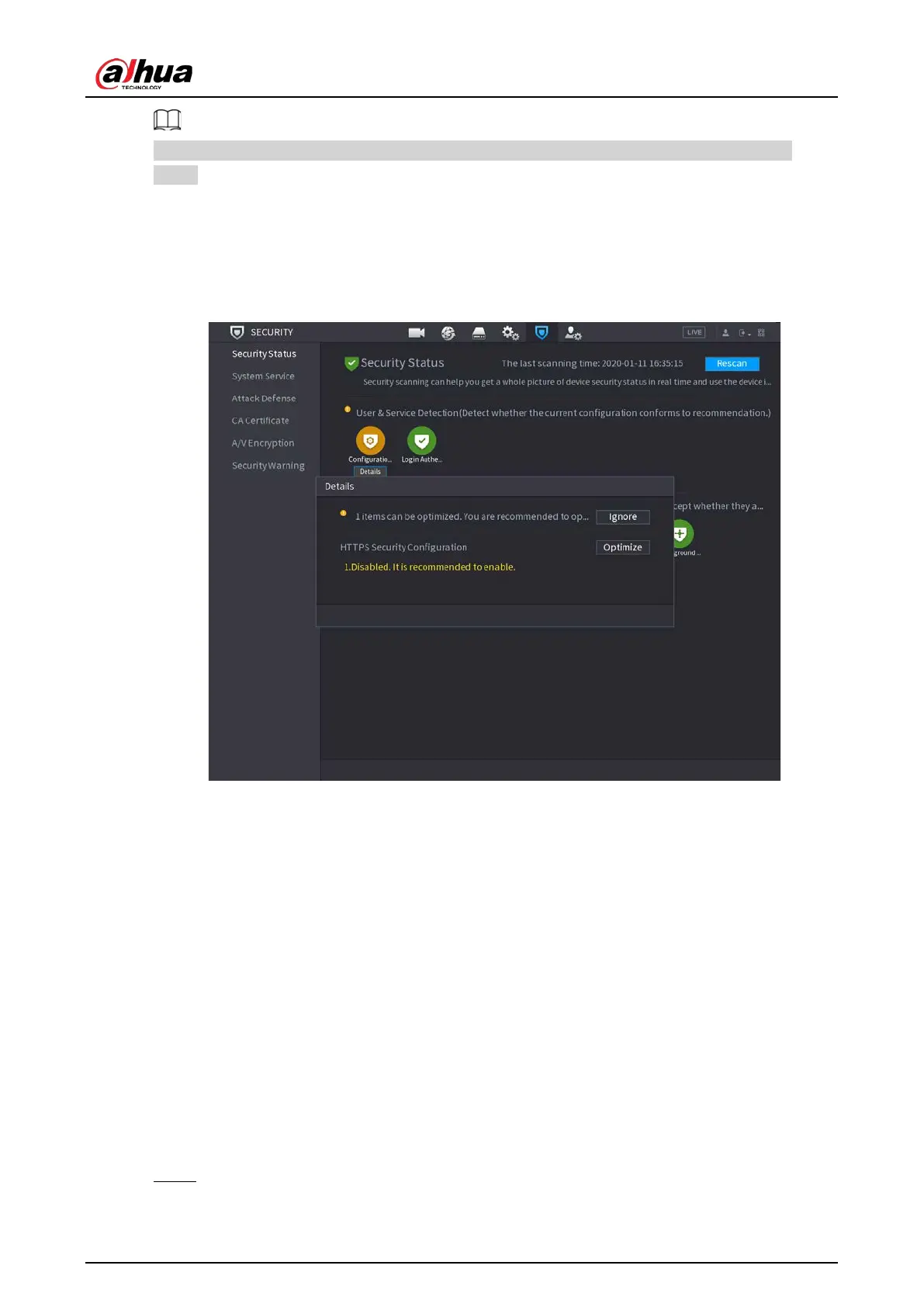
Green icon represents a healthy status of the scanned item, and orange icon represents a risky
status.
●
Login authentication: When there’s a risk in the login authentication, the icon will be in orange to
warn risk. You can click
Details
to see the detailed risk description.
●
Configuration Security: When there’s a risk in the device configuration, the icon will be in orange
to warn risk. You can click
Details
to see the detailed risk description.
Figure 5-276 Security status
Scanning Security Modules
This area shows the running status of security modules. For details about the security modules,
move mouse pointer on the icon to see the on-screen instructions.
Scanning Security Status
You can click
Rescan
to scan security status.
5.19.2 System Service
You can set DVR basic information such as basic services, 802.1x and HTTPS.
5.19.2.1 Basic Services
Procedure
Step 1 Select
SECURITY
>
Main Menu
>
System Service
>
Basic Services
.


 To Next Page
 Loading...
