User's Manual
122
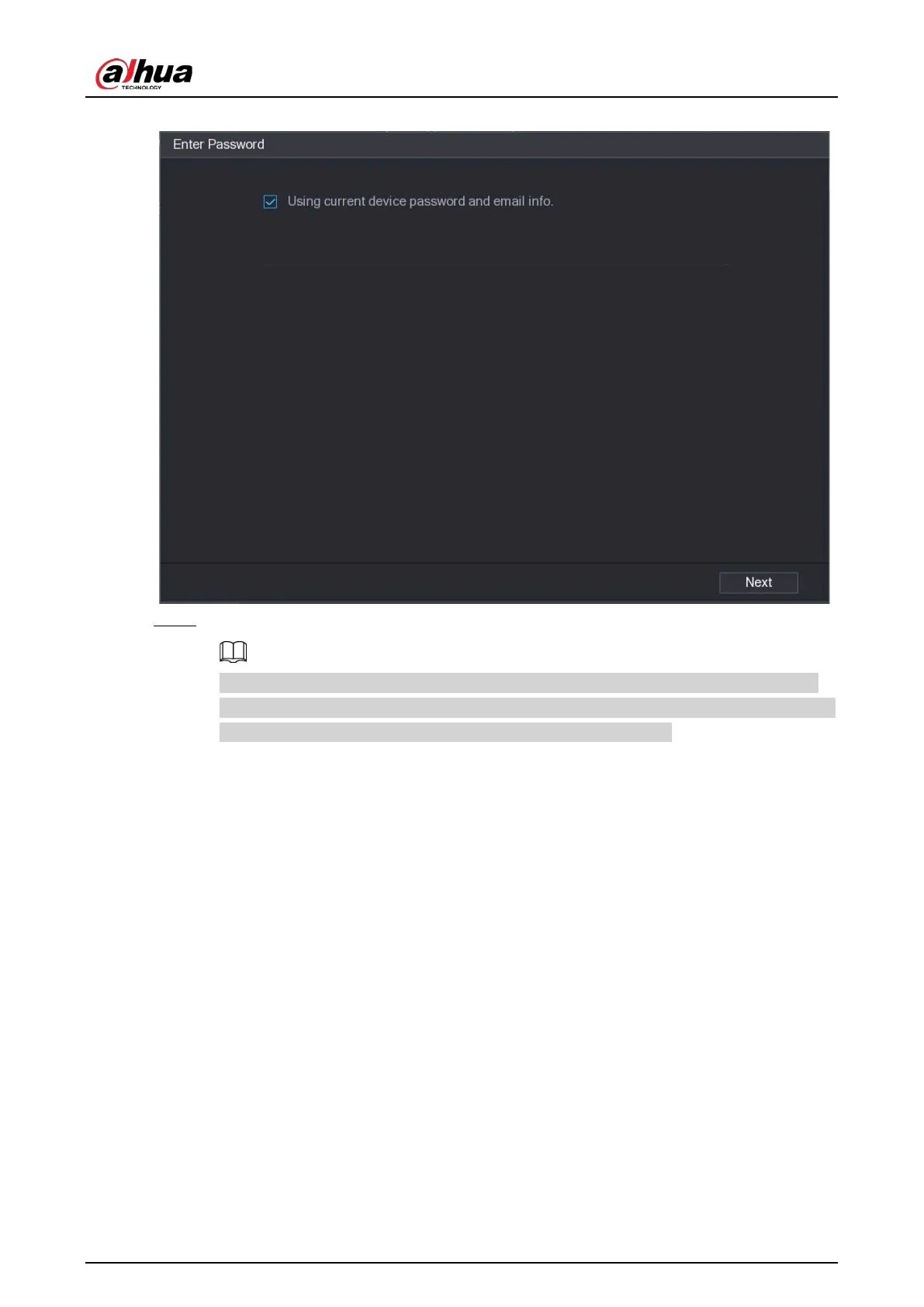
Figure 5-75 Enter password
Step 5 Configure the password and email information.
If you select the
Using current device password and email info
checkbox, the remote
device automatically uses the current password and email information, so you do not need
to set the password and email address again and can skip this step.
1) Clear the
Using current device password and email info
checkbox.


 To Next Page
 Loading...
