User's Manual
198
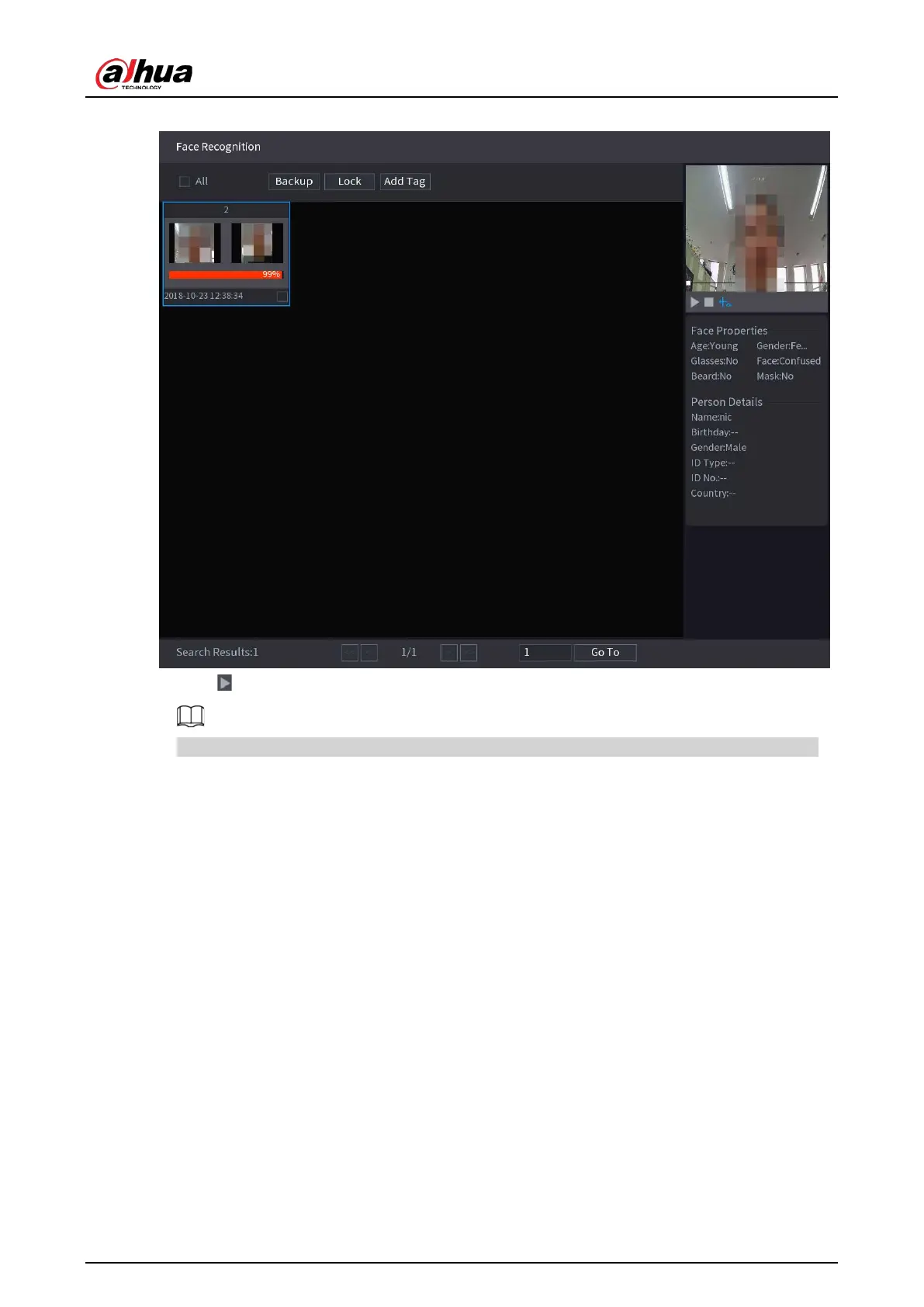
Figure 5-155 Registered information
5. Click to play back the recorded video.
Double-click on the playing page to switch between full screen playing and thumbnail playing.
You can also do the following operations to the recorded files.
●
To export the database file (.csv) to the external storage device, select files, click
Export
, and
then select the save path.
●
To back up the recorded files to the external storage device, select files, click
Backup
, select
the save path and file type, and then click
Start
.


 To Next Page
 Loading...
