User's Manual
306
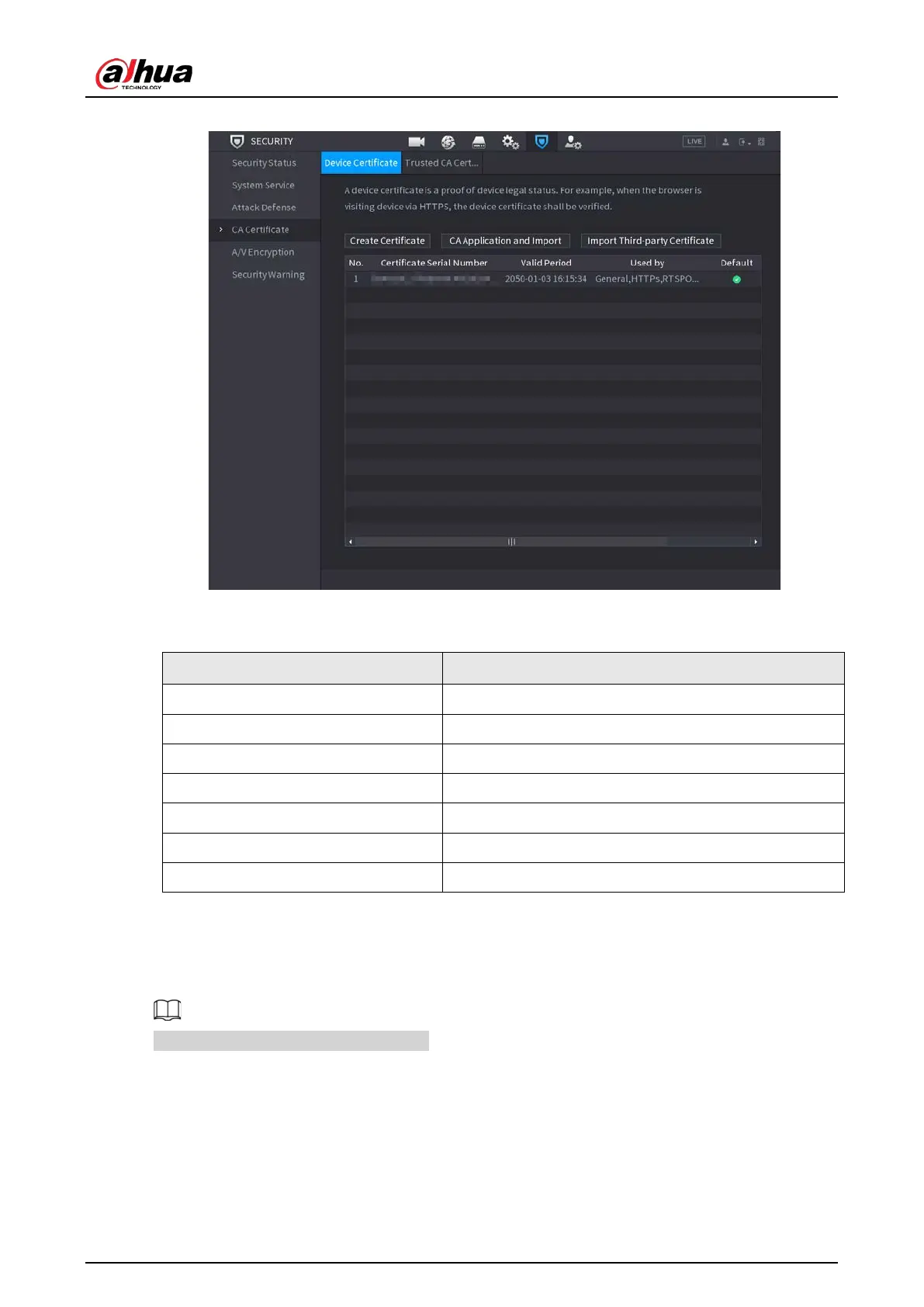
Figure 5-281 Device certificate
2. Configure parameters.
Table 5-76 Device certificate parameters
Parameter Description
Country/Region This parameter is user defined.
State This parameter is user defined.
City Name This parameter is user defined.
Valid Period Enter a valid period for the certificate.
Organization This parameter is user defined.
Organization Unit This parameter is user defined.
Domain Name Enter the IP address of the certificate.
3. Click
Create
.
CA Application and Import
Follow the on-screen instructions to finish CA application and import.
Insert a USB flash drive before operating.


 To Next Page
 Loading...
