User's Manual
54
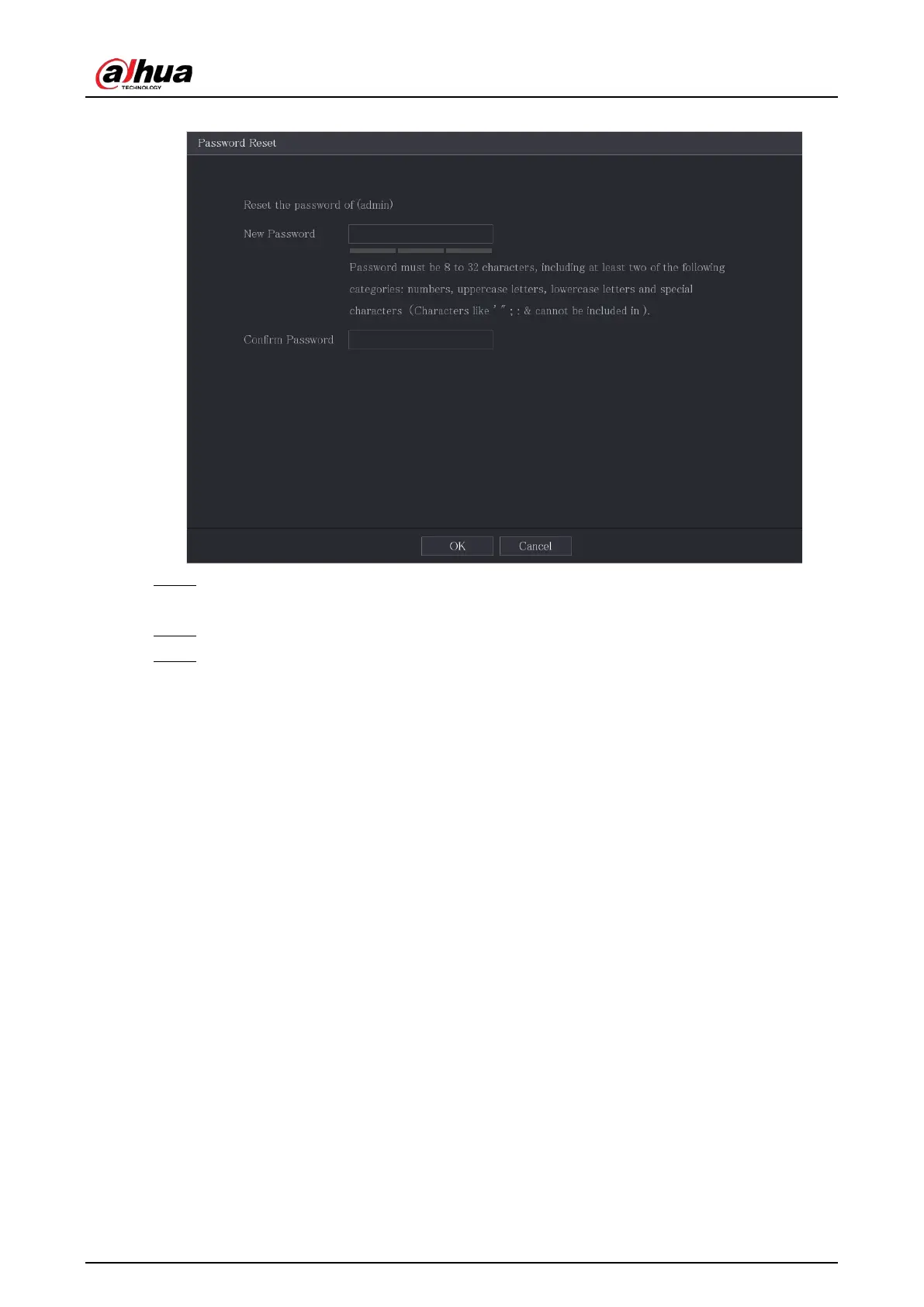
Figure 5-13 New password
Step 6 In the
New Password
box, enter the new password and enter it again in the
Confirm
Password
box.
Step 7 Click
Save
. The password resetting is started.
Step 8 Click
OK
.
A pop-up message is displayed asking if you want to sync the password with the remote
devices.
●
Click
Cancel
, the resetting is finished.
●
Click
OK
, the Sync Info page is displayed.


 To Next Page
 Loading...
