Si-95 Test Operation
Test Operation Inverter K Series 45
1.3 Setting Modes
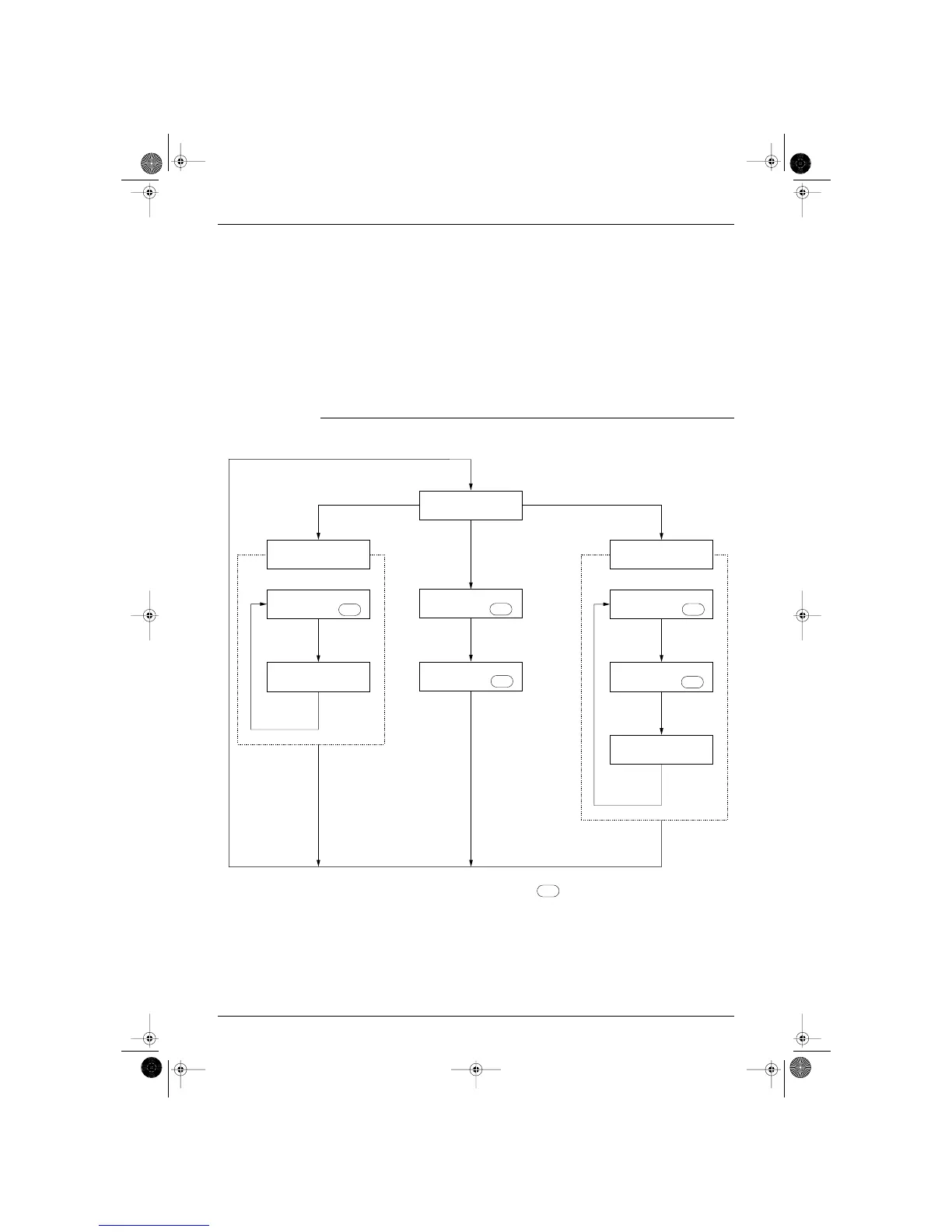
The three setting modes are as follows:
◆ Setting mode 1 ..... Mode for selecting cool/heat setting method, and whether or not to use low noise
operation and sequential start.
(H1P off)
◆ Setting mode 2 ..... Mode for changing operating status and setting addresses; used primarily for
service.
(H1P on)
◆ Monitor mode ..... Mode for checking setting made in the setting modes, number of connected units,
etc.
(H1P flickers)
Mode Changing
Procedure
The flow of the setting modes is as follows. (See the following pages for details.)
■ You can make your selections with the SET button .
■ If you become unsure of how to proceed, push the MODE button and return to setting mode 1.
■ You don’t have to perform power supply reset after changing settings in setting mode 1 (including [SS1]
cool/heat selection switch on the outdoor unit PC board) and setting mode 2.




 To Next Page