Tally Dascom 5130P
20
2.3 Tractor feed handling (optional, only for 5130P with tractors)
1. Upon power-on, all of the five LEDs turn on briefly. After initialization, only LED“ON/PAPER” retains on
in Olivetti emulation. In Epson ESC/P2 and IBM emulation, LED“USER1” and LED“OFFLINE” retains
on while LED“ON/PAPER” blinks.
2. Move the paper feed lever to “ ” for continuous paper position.
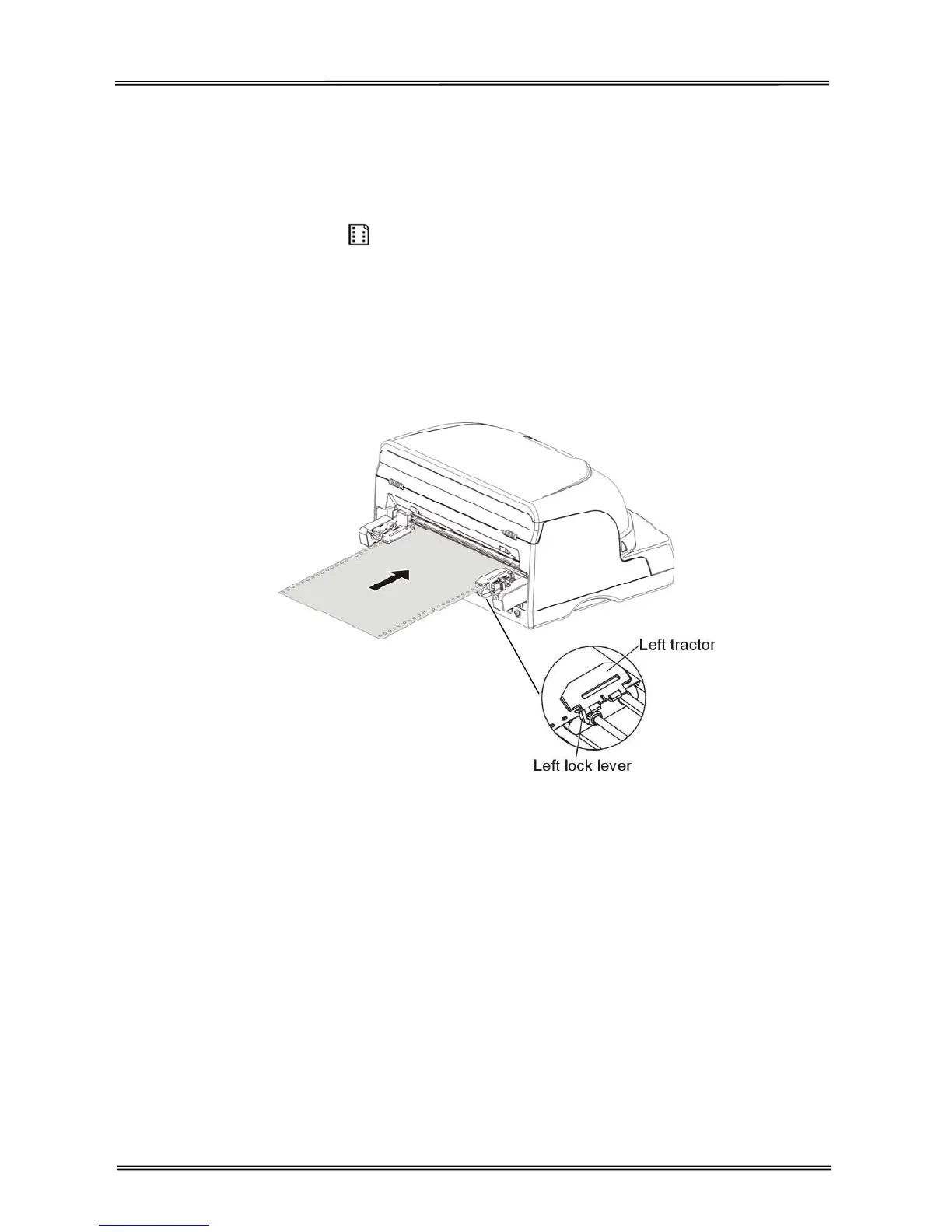
3. Raise the tractor doors and fit the first 3 paper holes onto the left tractor pins. Close the left tractor door.
In the same way, install the paper on the right tractor.
4. Adjust the right tractor to the width of the paper until the paper is flat. Do not stretch the paper too taut.
Push the tractor lock levers down to secure the tractors in place.
5. Press the【LOAD/EJECT】key to load the paper to the print position. LED“OFFLINE” turns off. Now the
printer is ready to print, as shown below.
Note:
Please refer to “Tractors Installation Guide” on how to install this option.
door



 To Next Page