Tally Dascom 5130P
21
3 Control panel operation
3.1 Keys and LEDs
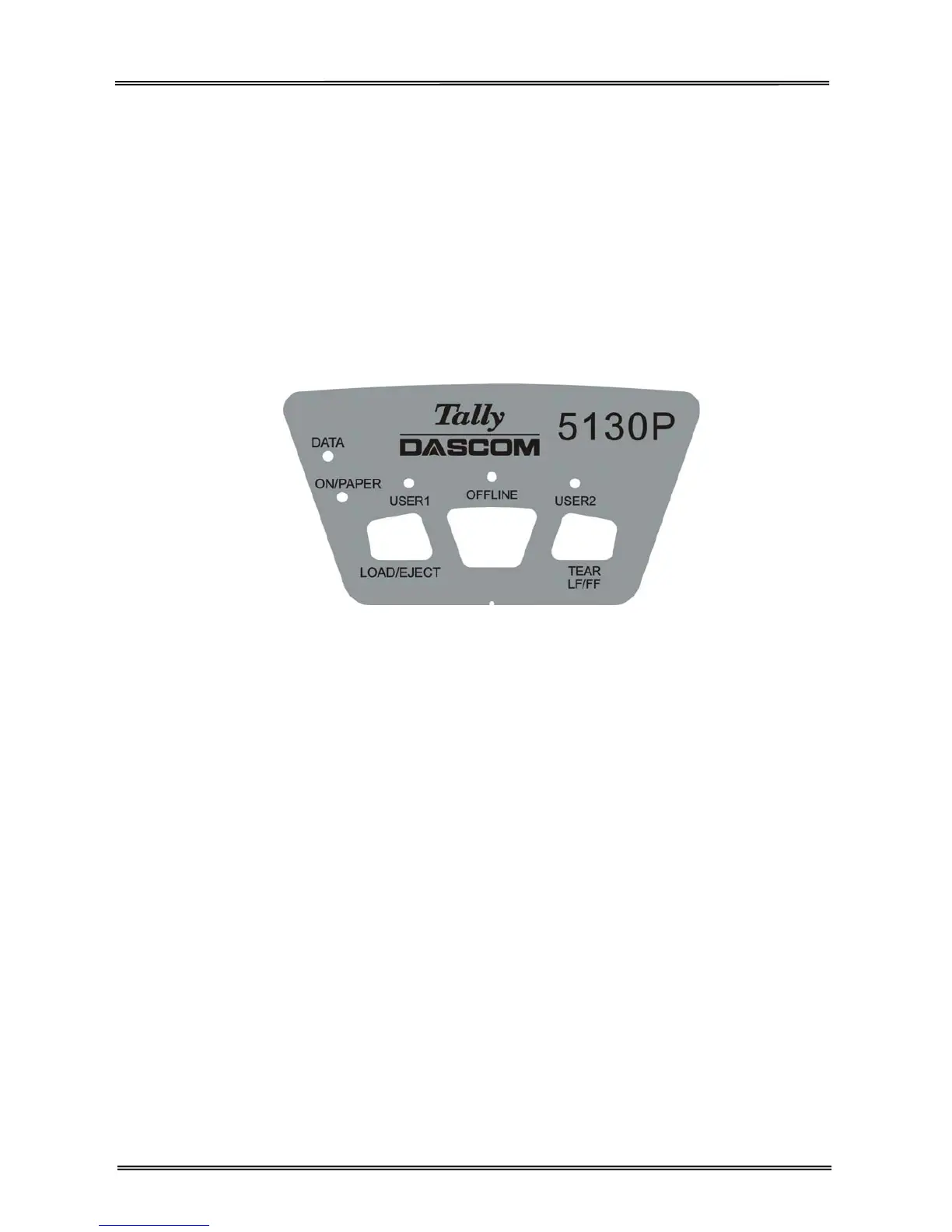
There are three keys on the control panel:
【USER1】/【LOAD/EJECT】,【OFFLINE】and【USER2】/【TEAR LF/FF】.
It consists of five LEDs: DATA, ON/PAPER, USER1, OFFLINE and USER2, with LED“ON/PAPER” in
green and other 4 LEDs in orange.
Figure shown as below:
Upon power-on, five LEDs turn on briefly. After initialization, only LED“ON/PAPER” retains ON in Olivetti
emulation. In Epson ESC/P2 and IBM emulation, LED“USER1” and LED“OFFLINE” retains ON while
LED“ON/PAPER” blinks, if paper is not loaded.
In the operating state, the LED indications and key functions vary with Online/Offline modes and
emulations.



 To Next Page