Tally Dascom 5130P
19
2.2 Friction feed handling
Inserting a single ply
1. Upon power-on, all of the five LEDs turn on briefly. After initialization, only LED“ON/PAPER” retains on
in Olivetti emulation. In Epson ESC/P2 and IBM emulation, LED“USER1” and LED“OFFLINE” retains
on while LED“ON/PAPER” blinks.
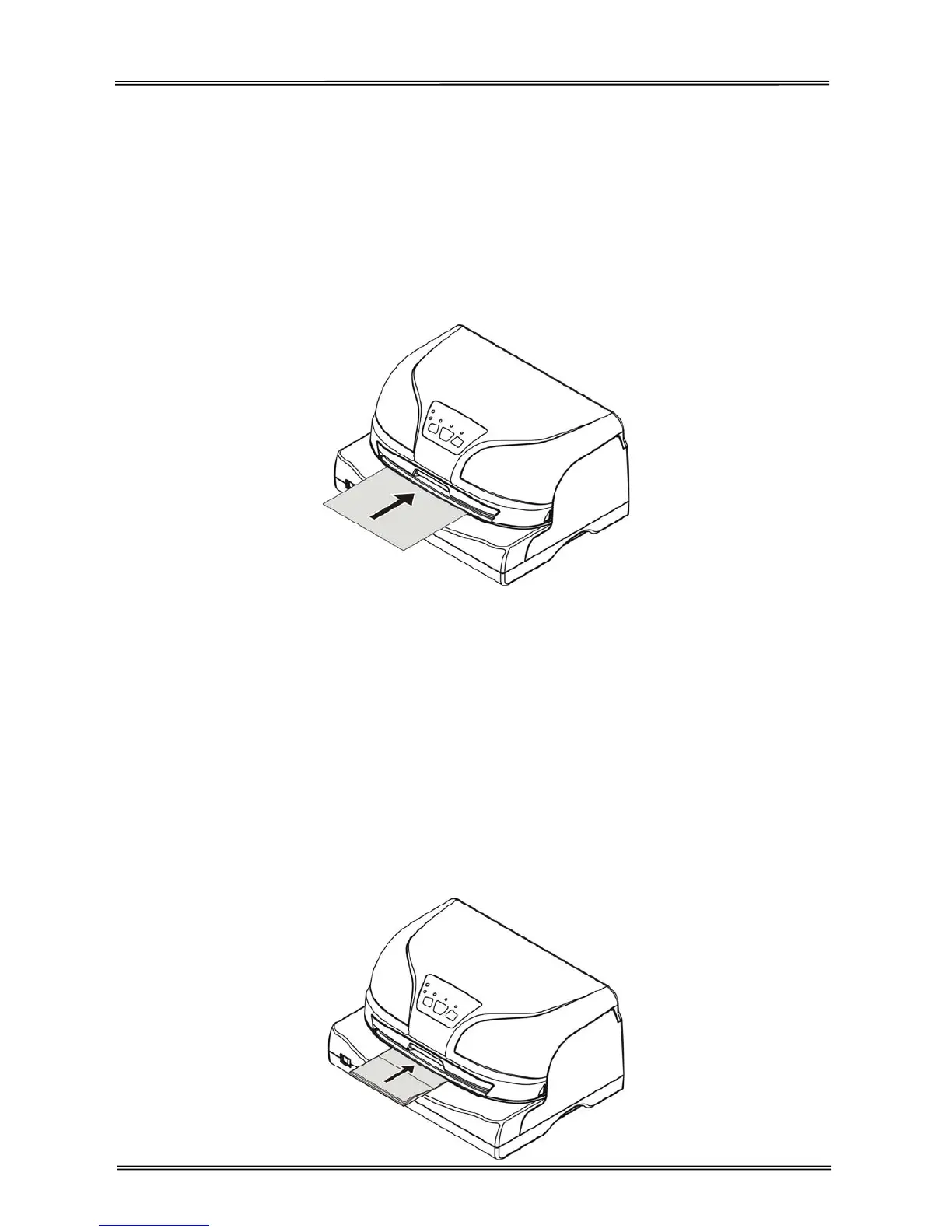
2. With printable side upward, insert a paper into the paper loader until the edge of the paper engages
snugly with the platen. The paper should advance automatically to the print position. Now the printer is
ready to print, as shown below.
When using a single ply, the paper eject direction can be selected in the configuration setting. There are
two directions: front and rear.
Inserting a bankbook
1. Upon power-on, all of the five LEDs turn on briefly. After initialization, only LED“ON/PAPER” retains on
in Olivetti emulation. In Epson ESC/P2 and IBM emulation, LED“USER1” and LED“OFFLINE” retains
on while LED“ON/PAPER” blinks.
2. While pressing the center seam and with printable side upward, insert a banksbook into the paper
loader until the edge of the bankbook engages snugly with the platen. The bankbook should advance
automatically to the print position. Now the printer is ready to print, as shown below.



 To Next Page