Tally Dascom 5130P
25
3.2 Power-on Functions
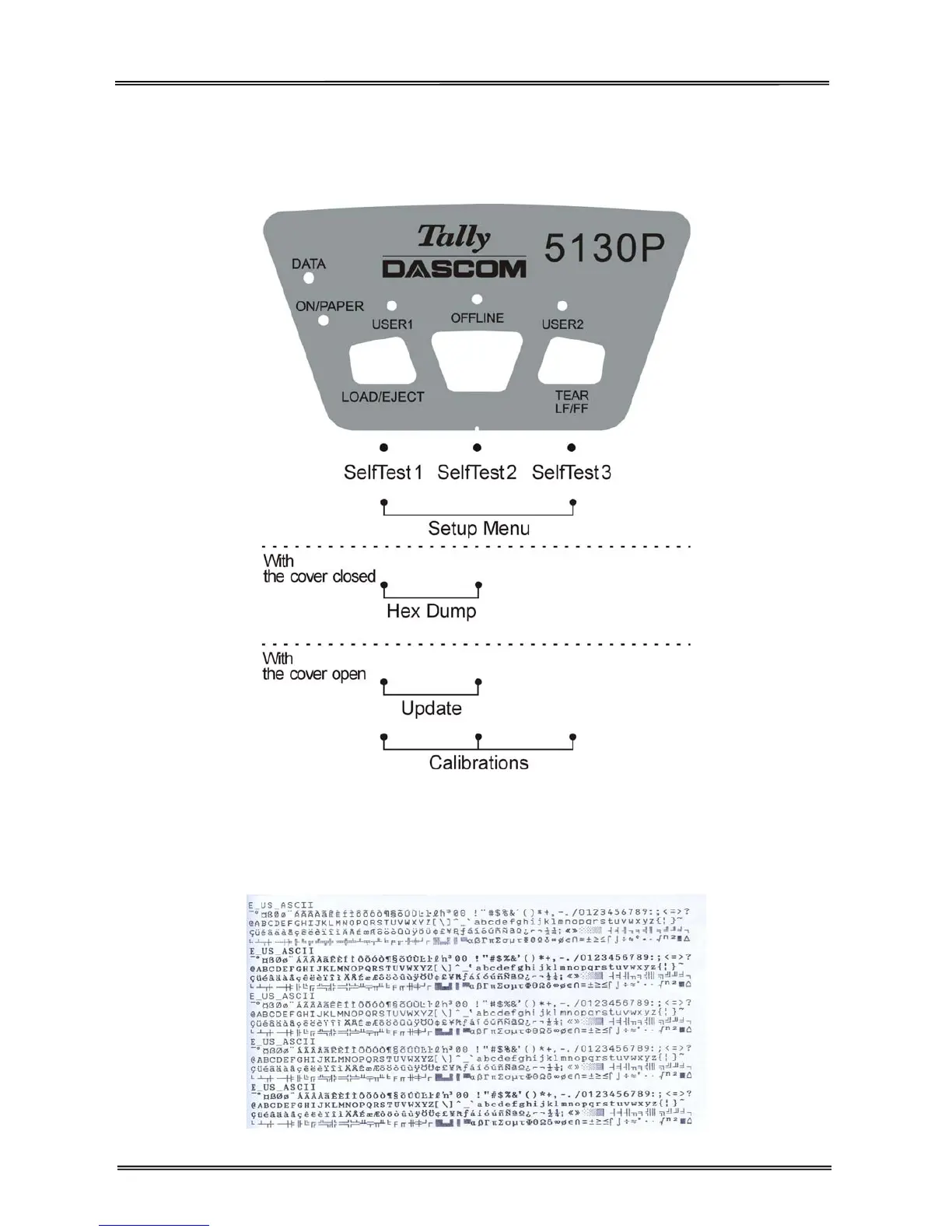
Holding down a key or a combination of keys while powering on the printer, some special functions can be
implemented. Please note that power-on functions are not supported by optional tractor feed handling.
Self Test 1
Hold 【USER1】 while powering on till the printer resets to activate the self test and beeps. Load an A4
paper to start the self test printing. LED”DATA” and LED“ON/PAPER” light up.
Below is part of the printout of print font test page.



 To Next Page