Tally Dascom 5130P
26
Self Test 2
Hold 【OFFLINE】 while powering on till the printer resets to activate the self test and beeps twice. Load
an A4 paper to start the self test printing. LED“DATA” and LED“ON/PAPER” light up.
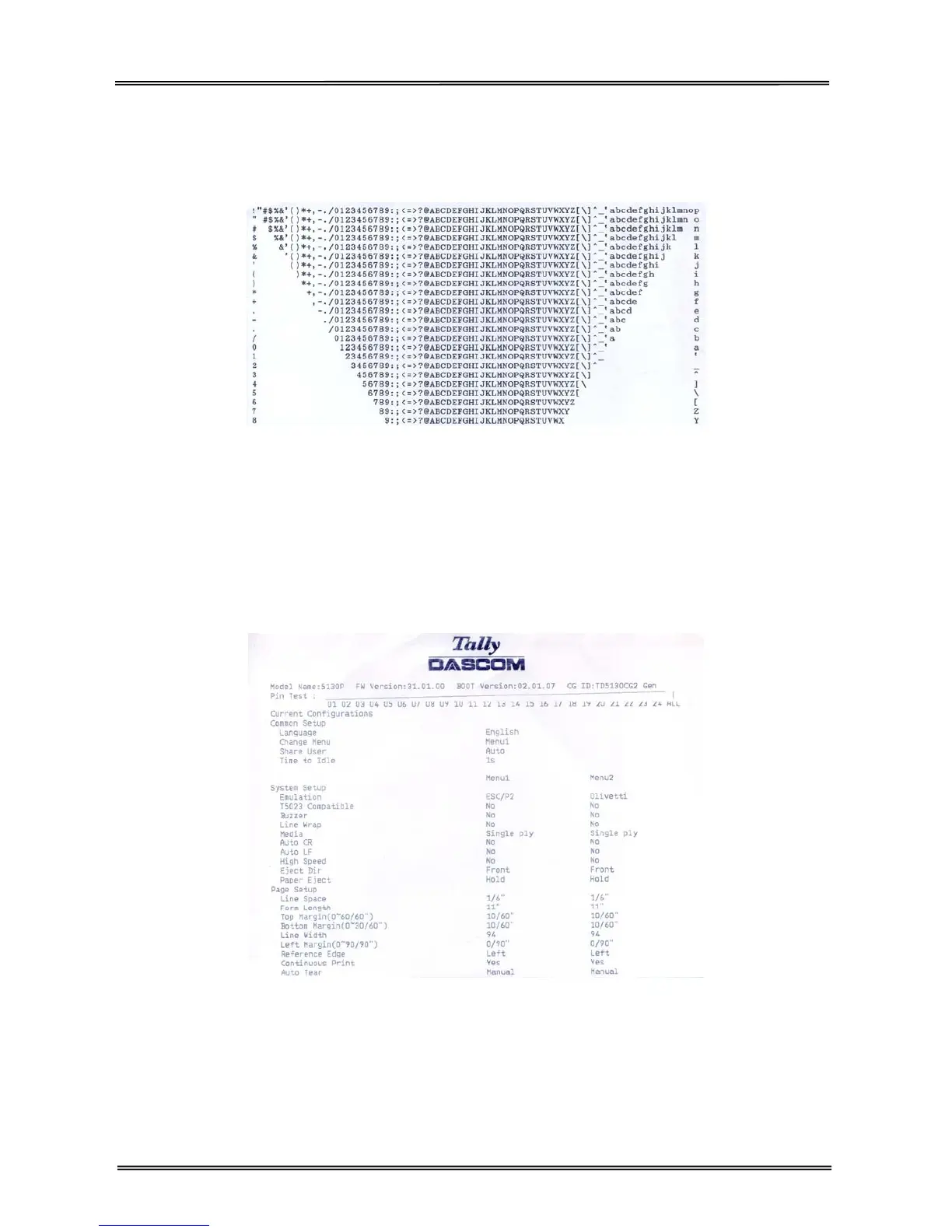
Below is part of the printout of endless running ASCII TREE.
Self Test 3
Hold 【USER2】 while powering on till the printer resets to activate the self test and beeps 3 times. Load
an A4 paper to start the self test printing. LED”DATA” and LED“ON/PAPER” light up.
Below is part of the printout, includes Logo, model name, FW and Boot versions, CG ID, pin test and
current configurations. Below is part of the printout of configuration list.
Setup Menu
Hold 【USER1】+【USER2】 while powering on till the printer resets to enter Setup Menu mode and beeps
3 times. This mode provides the following functions: Enable/Skip listing current settings, Language
Selection, Restore Factory Defaults, Copy menu, Menu Change Mode and How to Change Current
Configurations. For detailed description, please refer to chapter 4.



 To Next Page