Tally Dascom 5130P
1
1 Printer installation guide
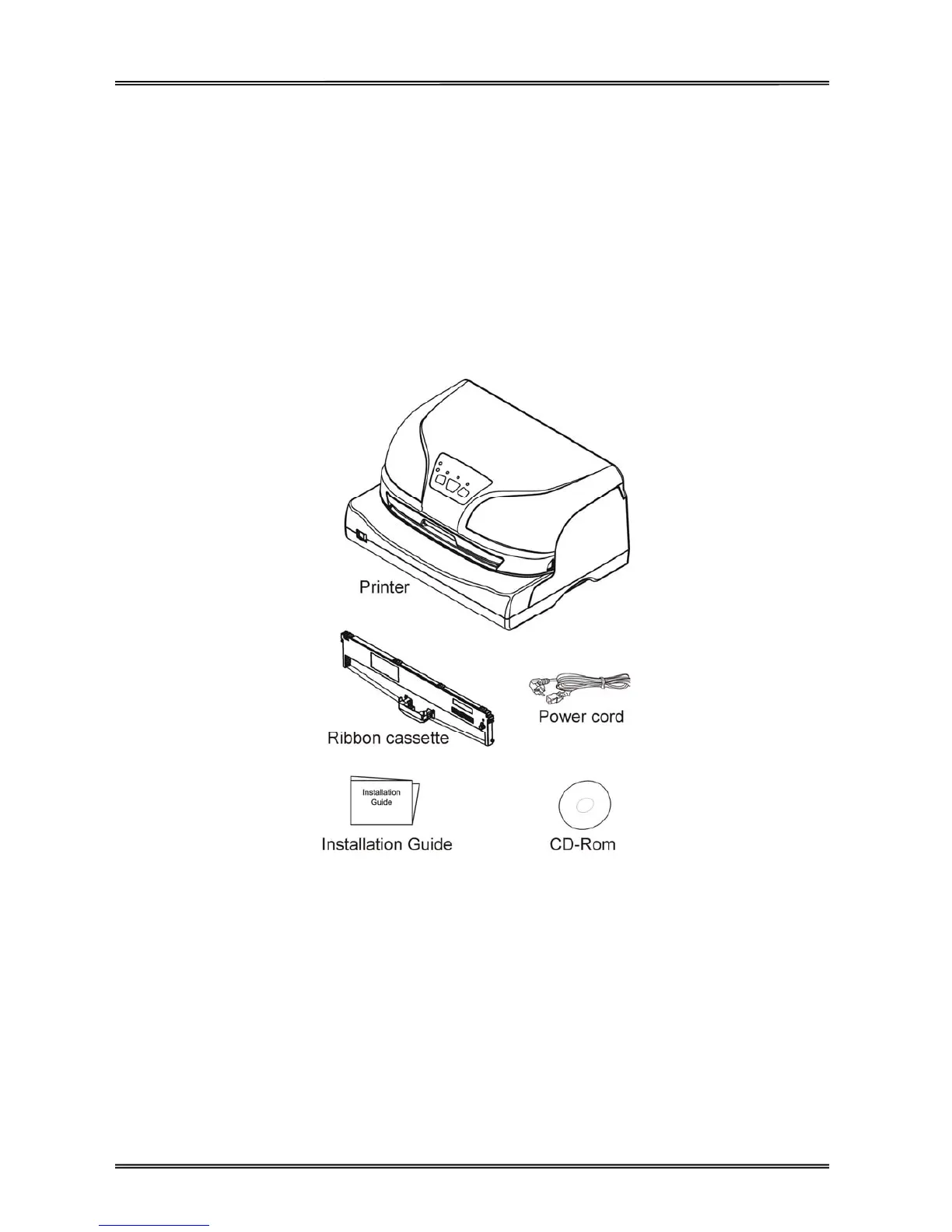
1.1 Unpacking the printer
Open the packaging, lift the printer out of the cardboard box and remove the remaining packaging material.
Check the printer for any visible transport damage and missing items. If you find any transport damage or
any accessories are missing, please contact your dealer.
Note:
Please keep the packaging material for future transportation.



 To Next Page