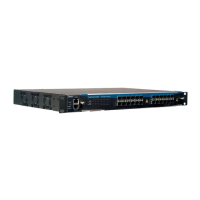
Chapter 11. DM4000 ETH24GT
Figure 11-2. DM4000 ETH24GT - Front Panel
11.3. System Status Leds
The DM4000 ETH24GT has the following Port Status LEDs:
Table 11-1. Port LEDs ETH24GT
LED CONDITION STATUS
Link/Act ON/Blinking Connection established. Blinking indicates port
activity.
OFF No connection established.
10/100/1000 Orange Indicates that a 10/100Mbps connection was
established (when Link/Act is ON/Blinking).
Green Indicates that a 1000Mbps connection was
established.
11.4. Software and Hardware Features
11.4.1. Software
The software is available in separated guide.
11.4.2. Hardware
Table 11-2. Hardware DM4000 ETH24GT
Switch L2 Wire Speed
Router 3 Wire Speed
QoS L2-L4
32


 To Next Page