General Scanner and Scale Features
Product Reference Guide 6-19
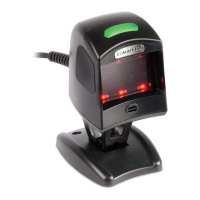
Green LED Idle State
This feature specifies the state of the green scanner LED when the scanner
is idle and ready to read a label. Options are:
•Off
•On dim
To set the LED Idle State:
1. Scan your selection from the bar codes below. You’ll need to cover
any unused bar codes on this and the facing page to ensure that the
scanner reads only the bar code you intend to scan.
2. Complete the programming sequence by scanning the SWITCH
bar code.
GREEN LED IDLE STATE = OFF
GREEN LED IDLE STATE = ON DIM


 To Next Page
 Loading...