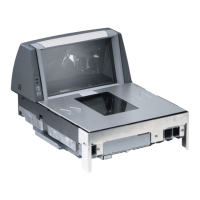
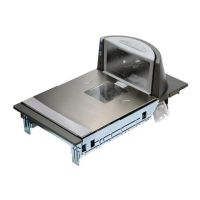
6-228 Magellan
®
9500
I 2 of 5 Maximum Label Length
This feature specifies the maximum allowable length of an I 2 of 5 label.
To set this feature:
1. Scan the SWITCH bar code.
2. Scan the bar code,
SET I 2 OF 5 MAXIMUM LABEL LENGTH
below. You’ll need to cover any unused bar codes on this and the fac-
ing page to ensure that the scanner reads only the bar code you
intend to scan.
3. Scan the appropriate digits from the keypad in Appendix C that rep-
resent the desired maximum label length. The selectable range for
this option is 02 to 50, even numbers only. Pad all single digit num-
bers with a leading zero to yield a two-digit entry (02-50).
4. Complete the programming sequence by scanning the SWITCH
bar code.
SET I 2 OF 5 MAXIMUM LABEL LENGTH
NOTE
Length in this case includes check and data characters, but does not include
start or stop characters. This feature applies when I 2 of 5 Length Control is
set to variable-length decoding.
Maximum label length should be greater than or equal to minimum label
length.


 To Next Page
 Loading...