EAS Features
Product Reference Guide 6-53
Manual EAS Deactivation Push Button
This feature is for use in Coupled Mode
1
. When it is enabled, EAS deacti-
vation can be manually initiated by placing the item with the EAS tag
downstream
2
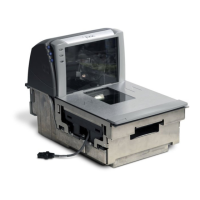
of the horizontal scan window and pushing the Manual EAS
Deactivation Push Button.
Options are:
• DISABLE — Manual EAS Deactivation Push Button disabled.
• ENABLE ALWAYS —The Manual EAS Deactivation Push Button
is always enabled.
• ENABLE ONLY WHEN SCANNER ENABLED — The Manual
EAS Deactivation Push Button is only available when the scanner is
enabled and running.
1. See “EAS Mode” on page 48. for more information about Coupled Mode.
2. “Downstream” in this case is defined as being the downstream side of the scan window from the
direction of product flow, or scanning direction.
NOTE
The scanner emits a clicking sound while in deactivation state.
Duration of deactivation state is determined by the feature, EAS Deactivation
Duration — Manual.
NOTE
Statistics are collected each time the Manual EAS Deactivation Push Button
is used to deactivate an EAS tag.


 To Next Page
 Loading...