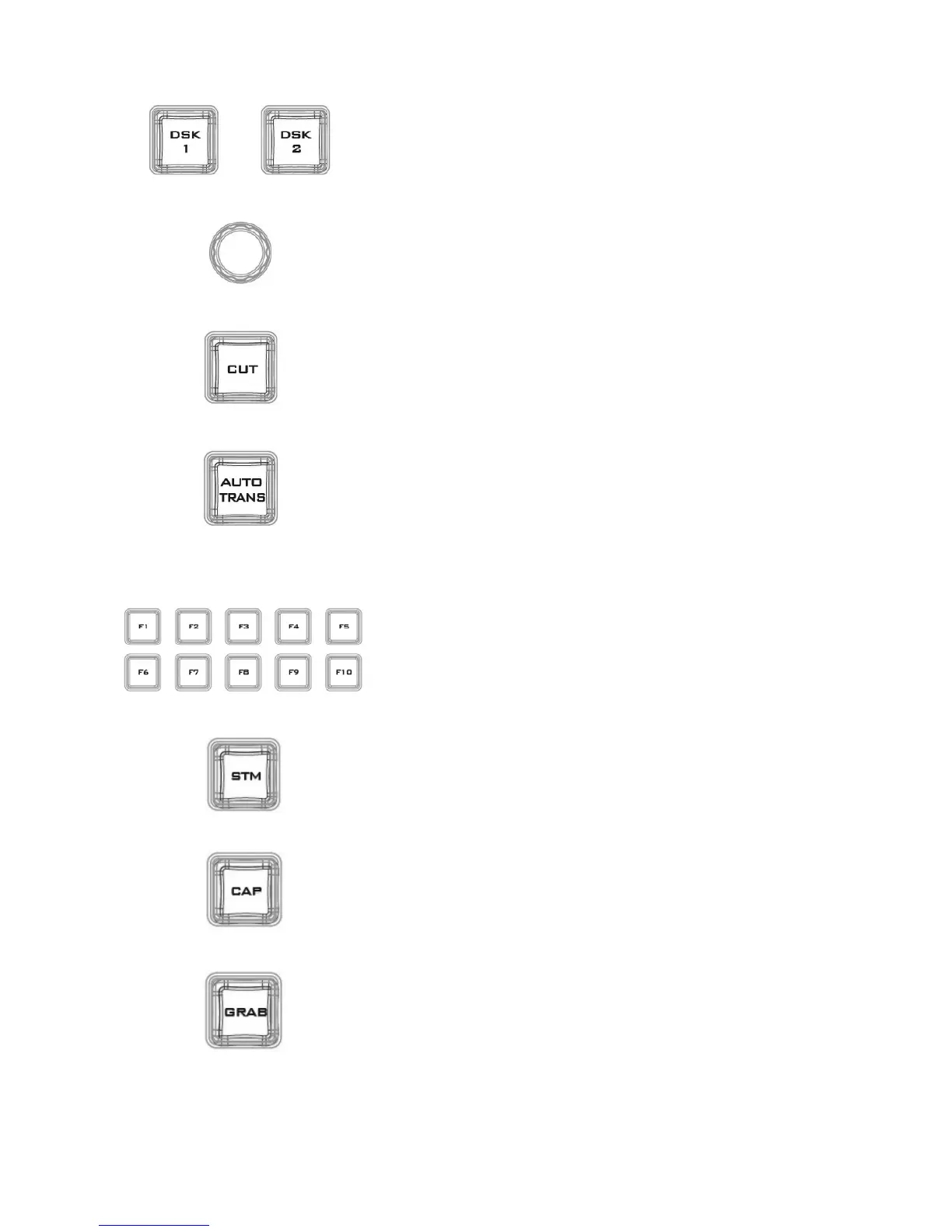
Pressing DSK 1/2 places logo or animations on the program view.
Before placing the DSK on the program view, make sure it is
correct on the PVW screen first.
Assigns a source to DSK 1/2 from a selection of camera, video
files, and pictures
This cuts from the current key source to the selected key source.
Transition effect is not used.
transition switch from the current key
source to the selected key source.
Function Keys
Ten user-defined function keys; please refer to the RMC-280
Function Keys section for more details
Start streaming the live video program to the Internet
Record the current live video program and save automatically to
the hard disk.
Capture a frame of video and save automatically to the hard
disk.



 To Next Page