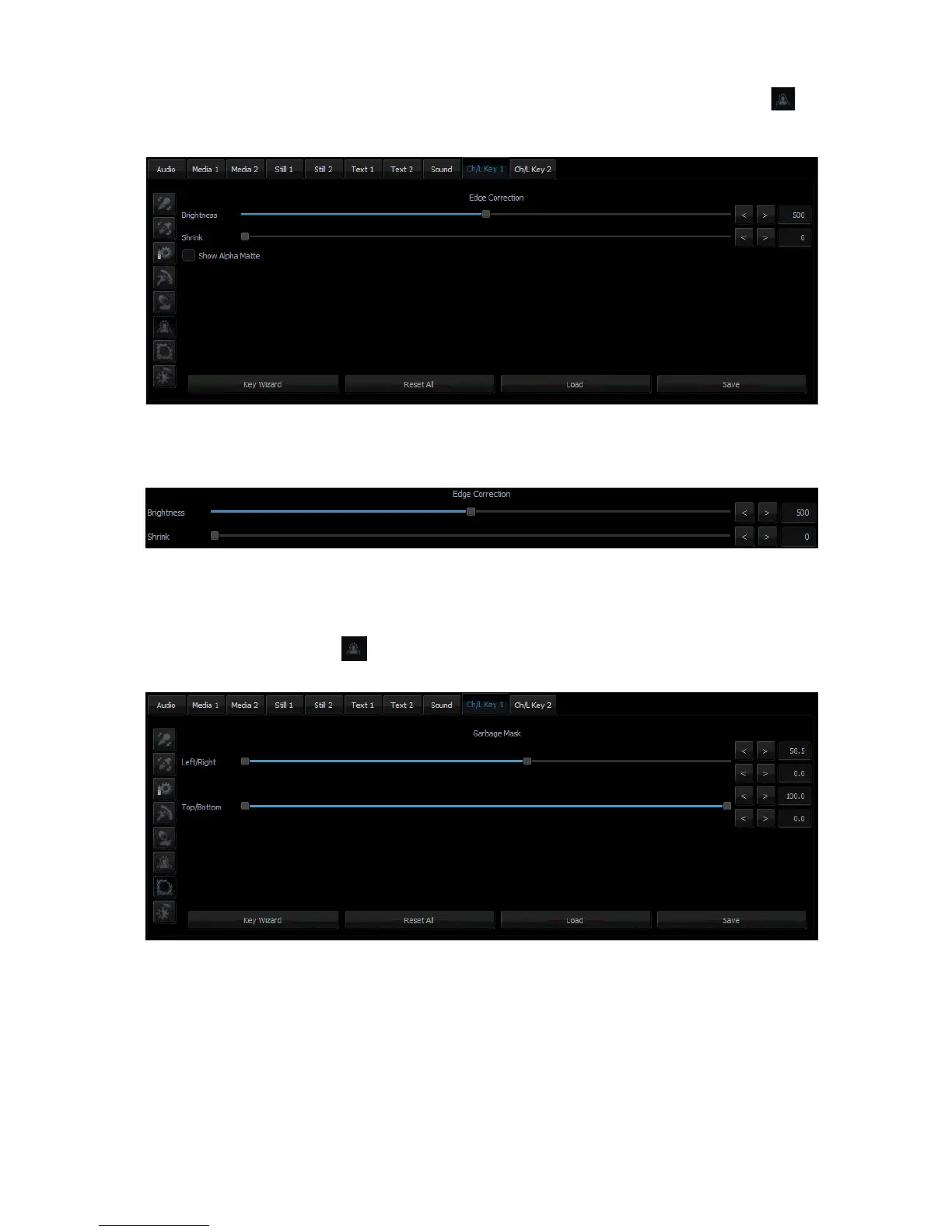
5.6 Edge Correction
Additional correction is applied to improve quality. Click the Edge Correction button to
enter the setting screen.
The Edge Correction function is used to correct semi-transparent areas (e.g. hair ends that
need to be darkened or brightened) in order to make an object look natural.
The Edge brightness slider
5.7 Garbage Mask
Garbage mask is used to reduce the mask size by cutting it (in all of the possible directions:
left, right, up, down). Click to configure the garbage mask.
The Garbage mask section
This function is used if the view of the keyed background is not large enough to fill in the
entire object shot.



 To Next Page