A view after the Garbage mask correction with the keying algorithm switched on
Comments: It should be kept in mind that in this case the object may only move within the
area of the cut off mask – otherwise the object will disappear.
Furthermore, if the Garbage mask sliders are used, it is possible to check whether the
previous settings were correct and whether they had any influence on the final look of the
virtual background. By moving for instance the Left slider within its full range, no noise, colour
shifts or changes in the background grayness should be visible.
5.8 Post Correction
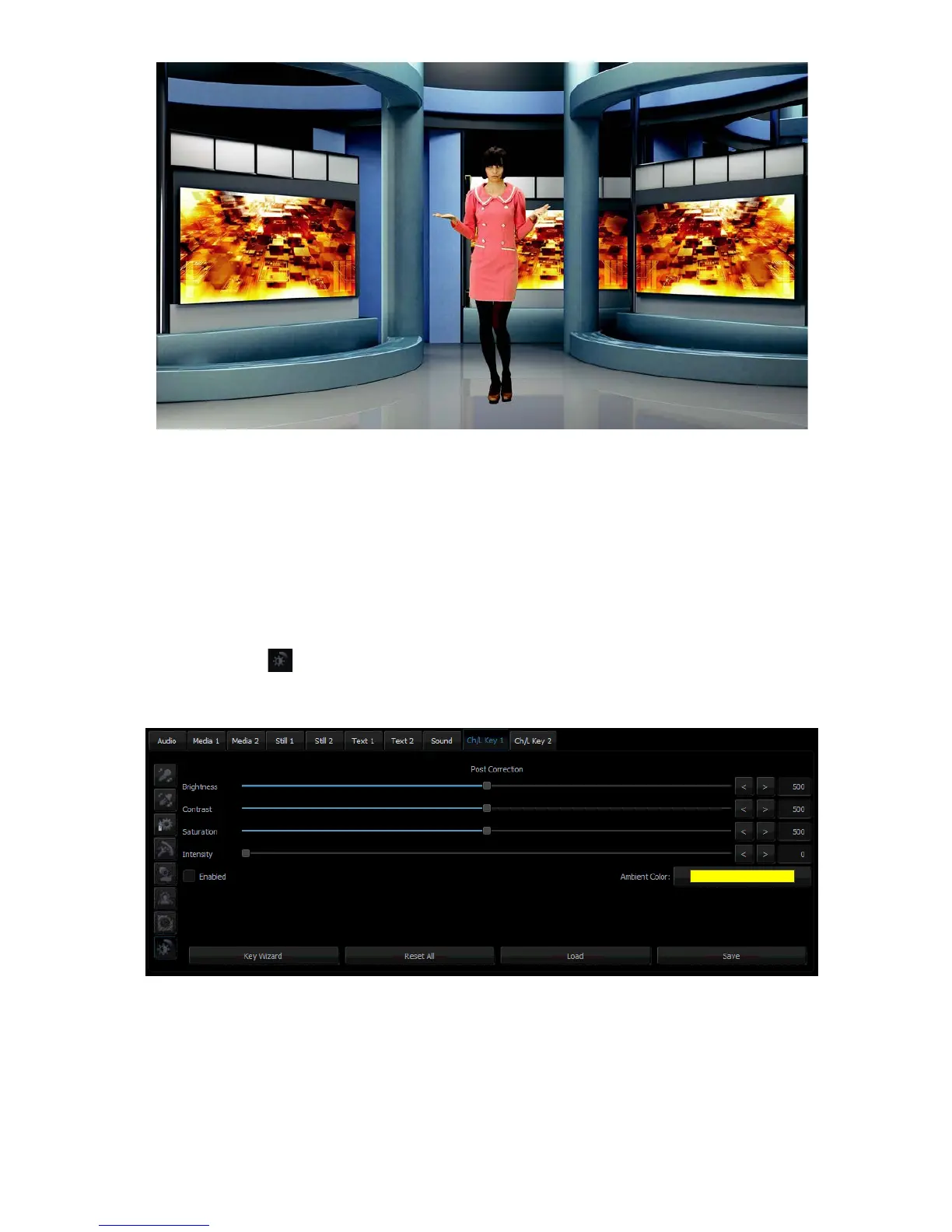
Post Correction matches the object to the conditions of the virtual background. The
following functions illustrated in the diagram below are used for post-correction of the object
and have no effect on its virtual background.
• Brightness – this enables additional colour brightness to be introduced into the picture.
• Contrast – this enables the contrast between colours to be increased.
• Saturation – this enables colour saturation to be boosted.
• Intensity – this enables the ambient colour intensity to be set.



 To Next Page