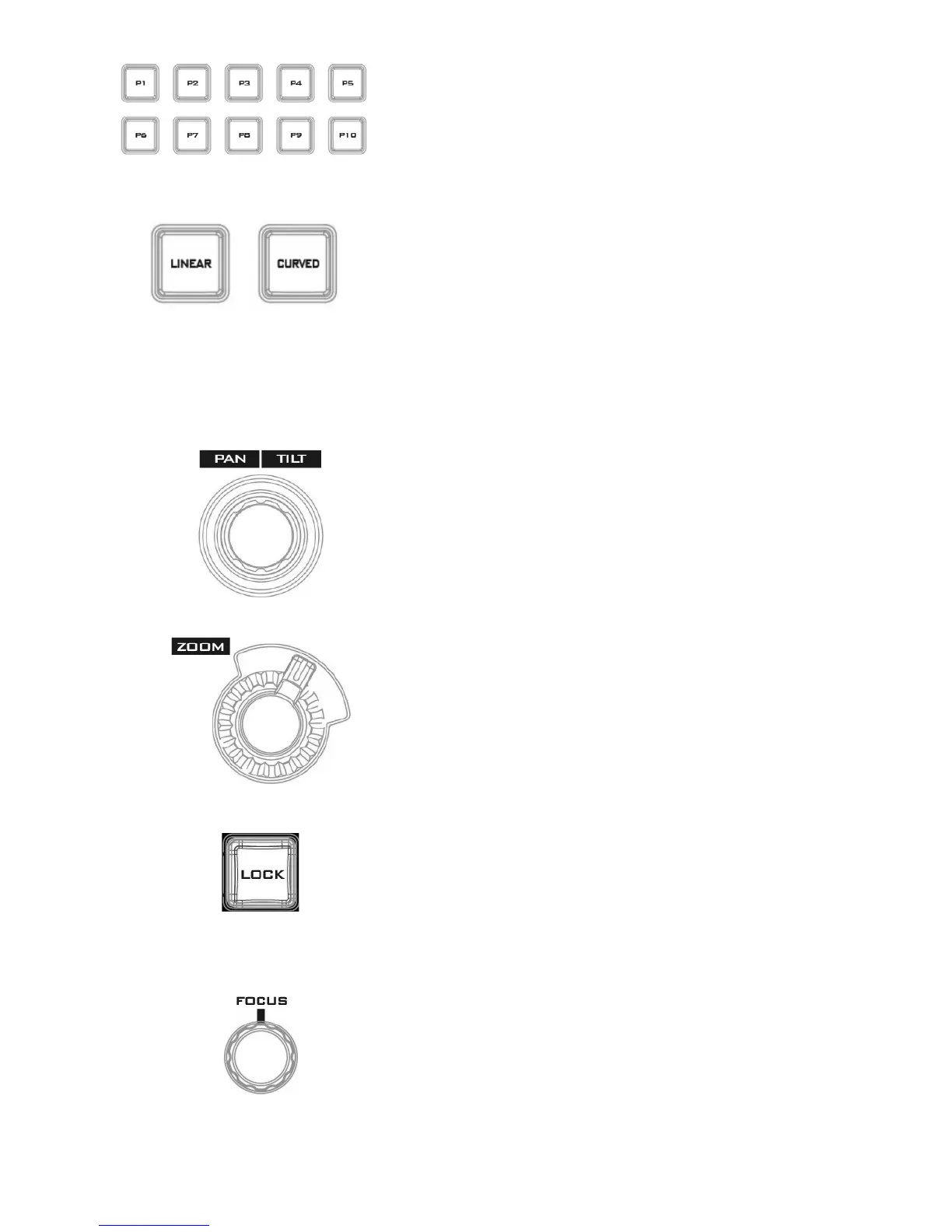
P1 to P10 buttons allow the user to select a particular position
of a Virtual Camera (V/C).
In linear mode, the Virtual Camera moves between phases in a
linear fashion.
In curved mode, the Virtual Camera moves between phases in
an arc like path.
PTZ Camera Control
Move the joystick sideways to PAN the camera lens. To TILT
the camera lens, move the joystick up and down.
Move the zoom wheel clockwise and counter-clockwise to
ZOOM IN/OUT the camera lens.
Once the LOCK button is enabled, the joystick and ZOOM
wheel will be locked, i.e. the user will not be able to adjust
the PTZ settings using the joystick and the ZOOM wheel. To
unlock, simple press the LOCK button again.
Rotate the FOCUS knob clockwise and counter-clockwise to
adjust the camera focus.



 To Next Page