In addition to program video recording, the user can also grab instantaneous images on the
Program view by clicking on the STILL/GRAB button. The grabbed images are saved in PNG
format.
The grabbed images will be added to section 5 of both Still tabs of the Media Bin (Still 1 or
Still 2).
4.10 Program Video Stream
This function makes sending the broadcast signal in the form of an Internet data stream
possible. As a result, live programs can reach all viewers in real time, even in remote areas.
TVS-2000A is the main element for such realization because in addition to creating a broadcast
signal, it is also capable of converting the broadcast signal into a network data stream.
To start Internet broadcasting, the user should:
• Generate a source signal – made available by Live Production;
• Convert the signal to a format supported by Internet connection;
• Trigger online broadcast by clicking on the STREAM button shown below.
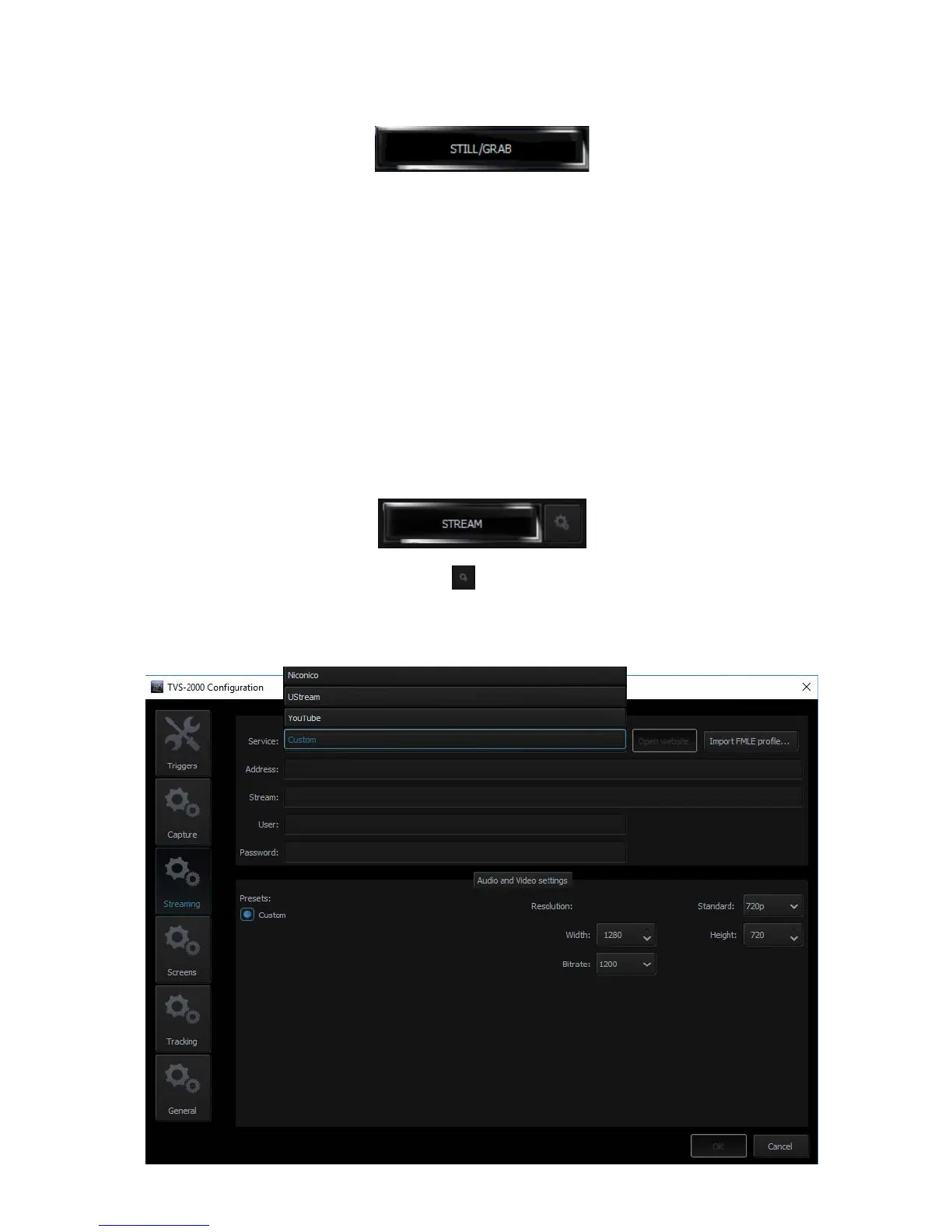
To configure the streaming setting, click located on the right of the stream button to
open the configuration window as illustrated below. Define your streaming service and
configure video and audio settings accordingly. The available streaming services are Niconico,
UStream, Youtube and Custom.



 To Next Page