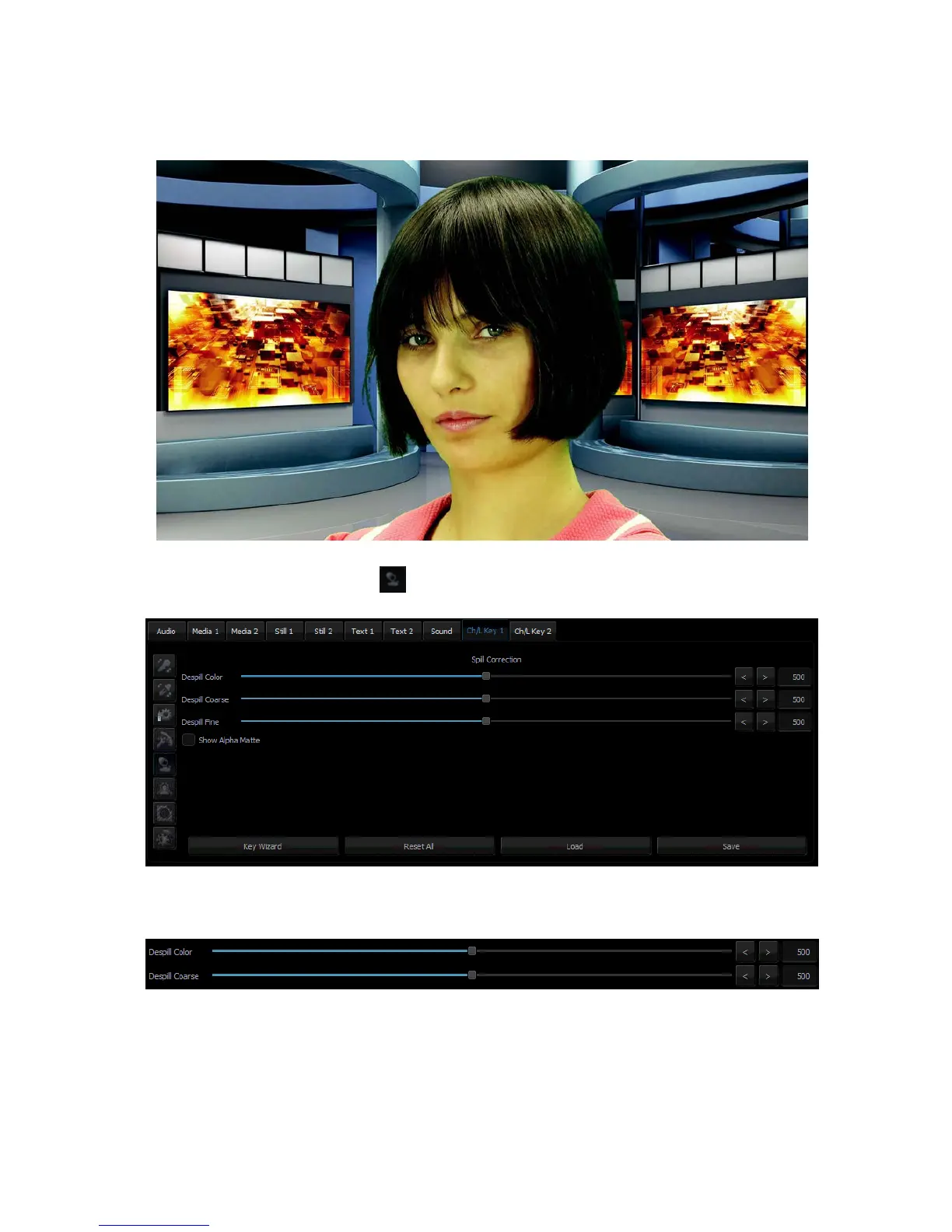
5.5 Spill Correction
Spill correction removes keying colour remains (Despill). Once the correct mask is set, the
functions in the Spill correction section will eliminate the reflection of the colour of the keyed
background in the object.
Click the Spill Correction button to enter the setting page.
Despill color and Despill coarse belong to the functions for the preliminary elimination of
unwanted colours, and are based on the RGB space.
The Despill color/Despill coarse slider section
Once the Despill color slider is moved to position 0 (the left-hand side), the algorithm will
automatically remove the green colour component if this is the keyed colour (similarly – blue
if the background is blue). Once the Despill color slider is moved to position 1000 (the right-
hand side), however, the algorithm will automatically add the red colour and the blue colour
(if the keyed colour is green) or red and green (if the background is blue).



 To Next Page