Chapter 3 Starting TVS-2000A Software
1. Connect power cord, keyboard, mouse, and the RMC-280 to the TVS-2000A.
2. Connect one or multiple monitors to TVS-2000A via HDMI, DVI and Display Port.
3. Press the power button to boot the TVS-2000A hardware system. Power button is located
on the right of the red reset button; please refer to the Connections Section for the
appearance of the power button.
4. Important: Please ignore everything during the system boot-up process, which can take up
to approximately one minute, and you will be automatically directed to the TVS-2000A
start-up page.
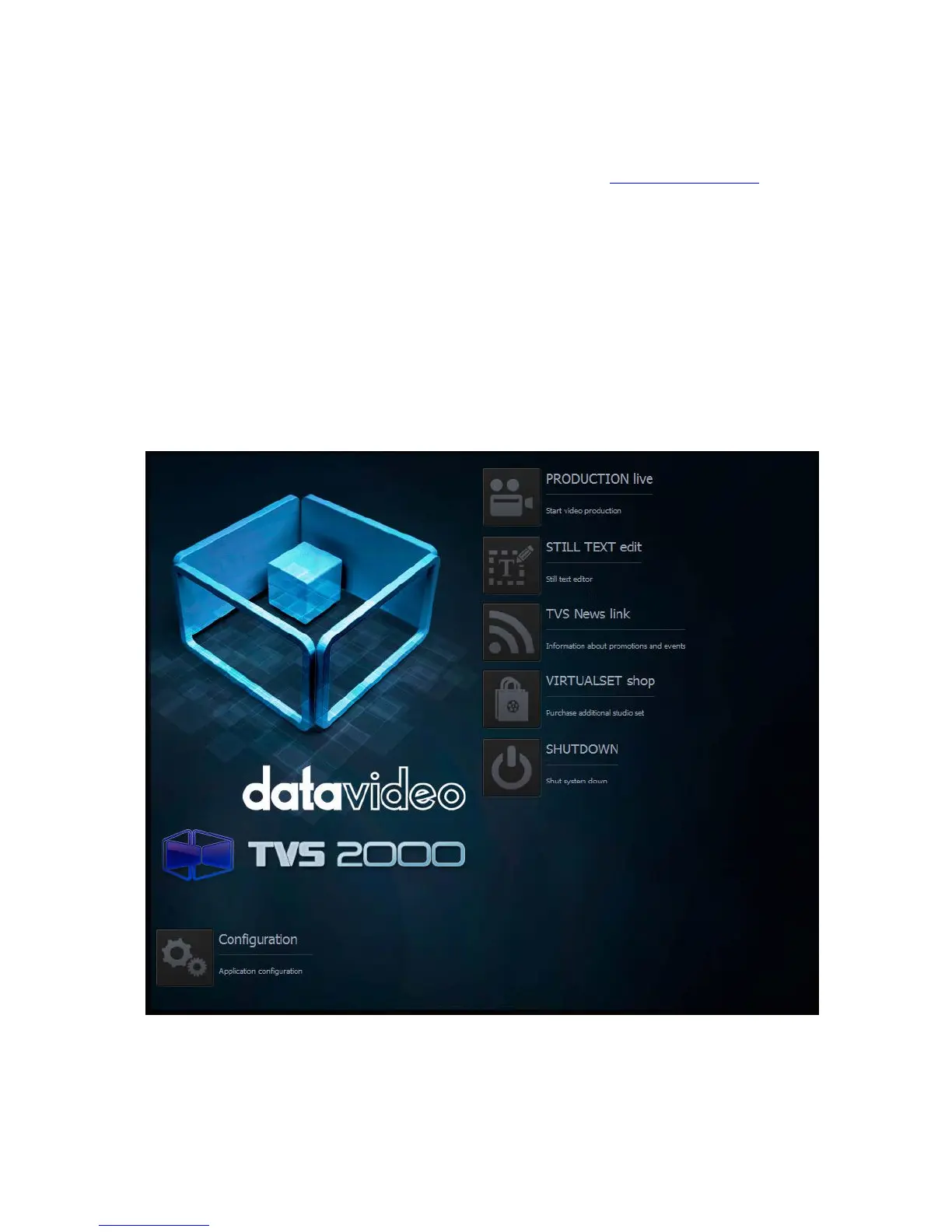
5. On the start-up page, seven options are available for the user to choose:
a. Production live
b. STILL TEXT edit
c. TVS News link
d. VIRTUALSET shop
e. SHUTDOWN
f. Configuration
with details of which outlined in the subsections that follow.
Start-up Screen



 To Next Page