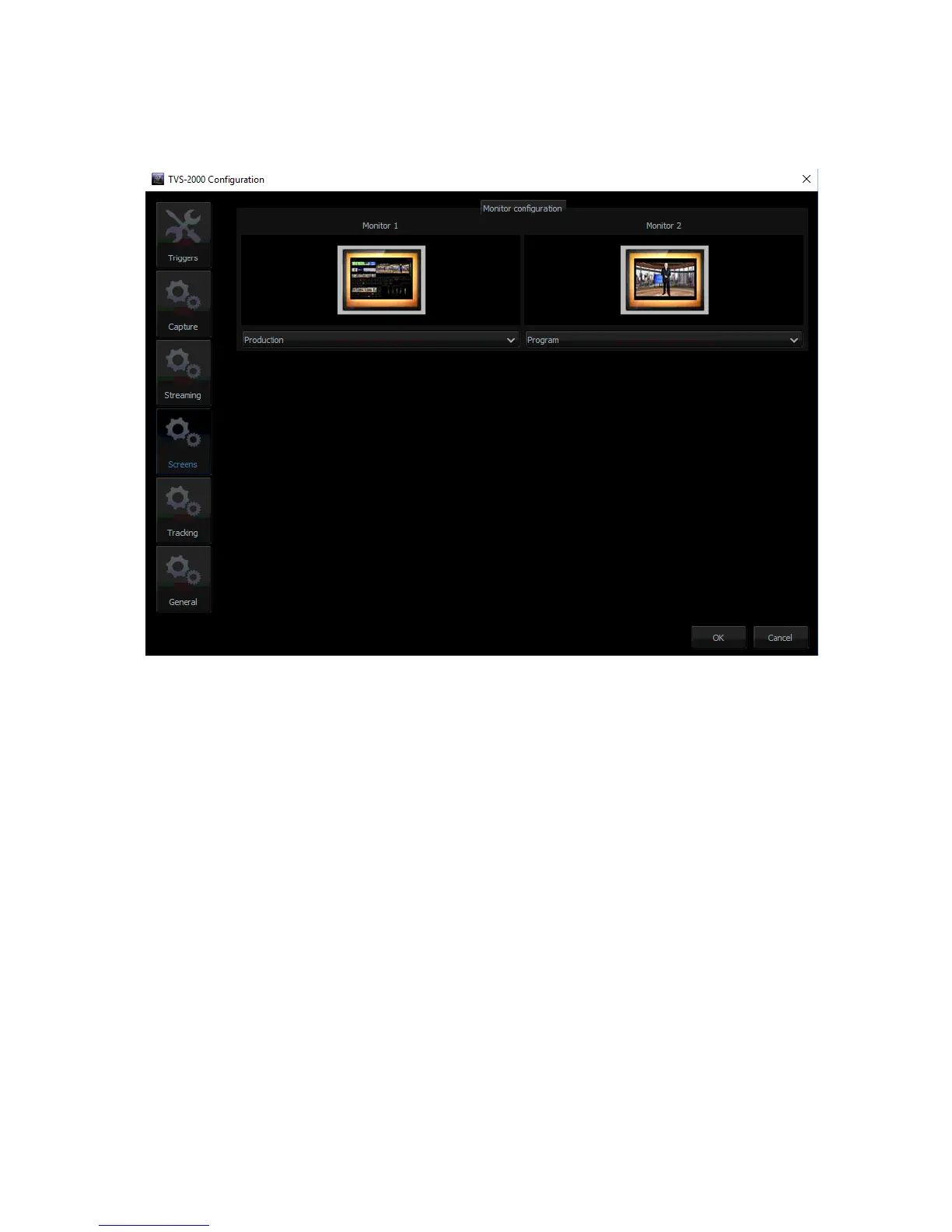
Hence, in order to allow the user to manage multiple monitors, a Monitor Configuration
Interface as shown in the diagram below is built into the TVS-2000A. To open the interface,
simply click “Configuration” on the tool bar, select “Configuration” option and then click
“Screens” button.
The user is thus able to shuffle monitor assignments by making selection of the desired display
in the pull-down menu. In the example above, only two monitors are connected and one
monitor is configured to display the production module and another one is configured to
display the program view.
4.8 General Display and Audio Settings
To configure additional display settings, click the General tab where the user will find two
options, Image default playback time (sec) and Mirror on PGM Monitor as shown in the
diagram below. By checking the option, “Image default playback time (sec)”, the user will then
be allowed to set the playback time for slide show of still images. Mirror on PGM Monitor,
after enabled, will display a mirrored image of the Program View, i.e., the Program view image
is flipped along the y-axis.



 To Next Page