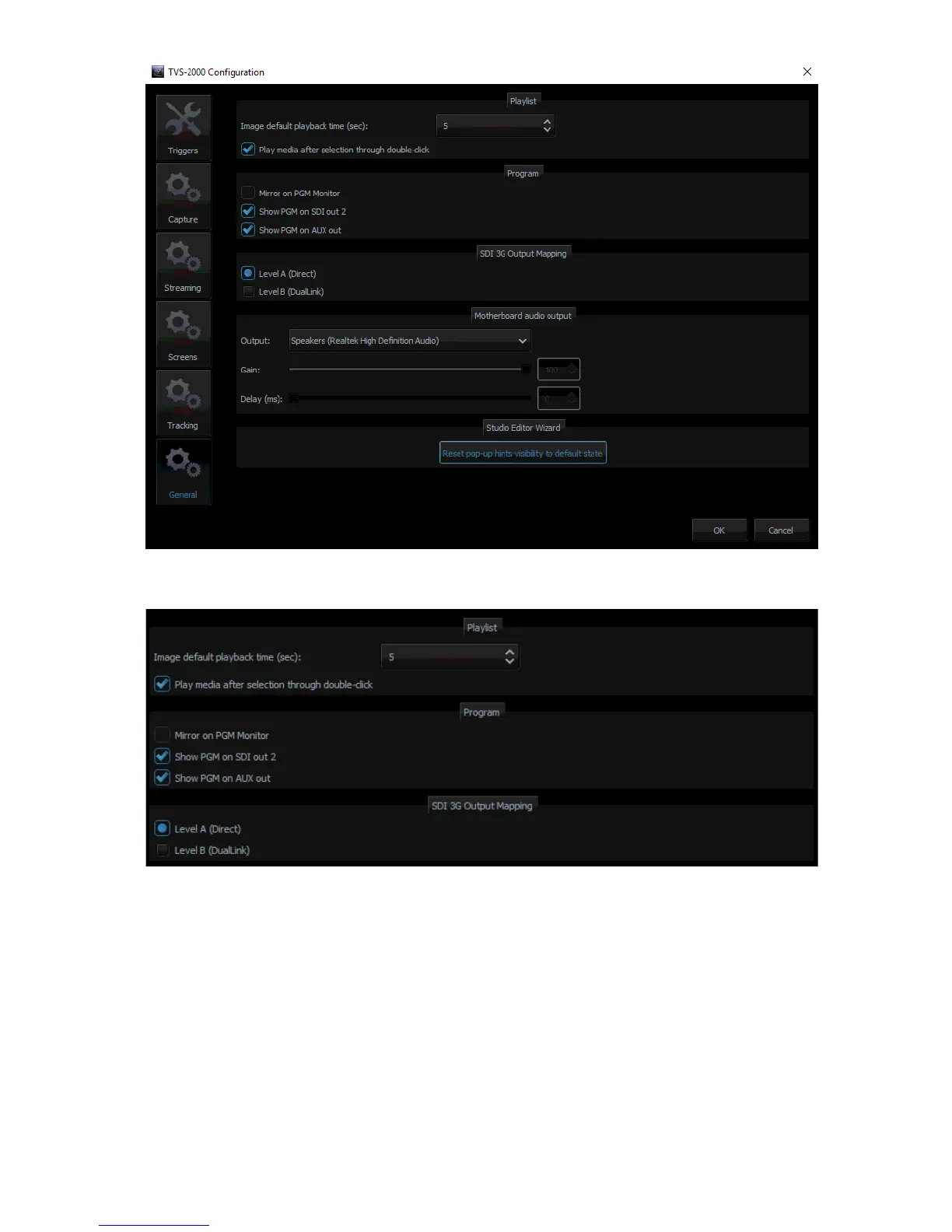
There are two SDI types (Type A and Type B) available on the TVS-2000A. Please note that
most Datavideo products adopt type A.
In addition, the TVS-1200A is able to output PGM audio on the selected sound card. To hear
the PGM audio, follow the steps outlined below to configure your system setup.
1. Connect any sound playing device to the motherboard’s audio output jack.
2. Open the “Configuration” window and select the “General” tab.
3. On the “Configuration” window, locate the Motherboard Audio Output section and select
a sound card from the “OUTPUT” pulldown menu. The TVS system, by default, selects the
Windows sound card. In the example above, we have selected the Realtek High Definition
Audio.
4. Click OK.
5. The PGM embedded audio should now be heard on the sound card’s audio output. The
user is allowed to mute or adjust the volume on the motherboard’s Audio Manager
Interface.



 To Next Page