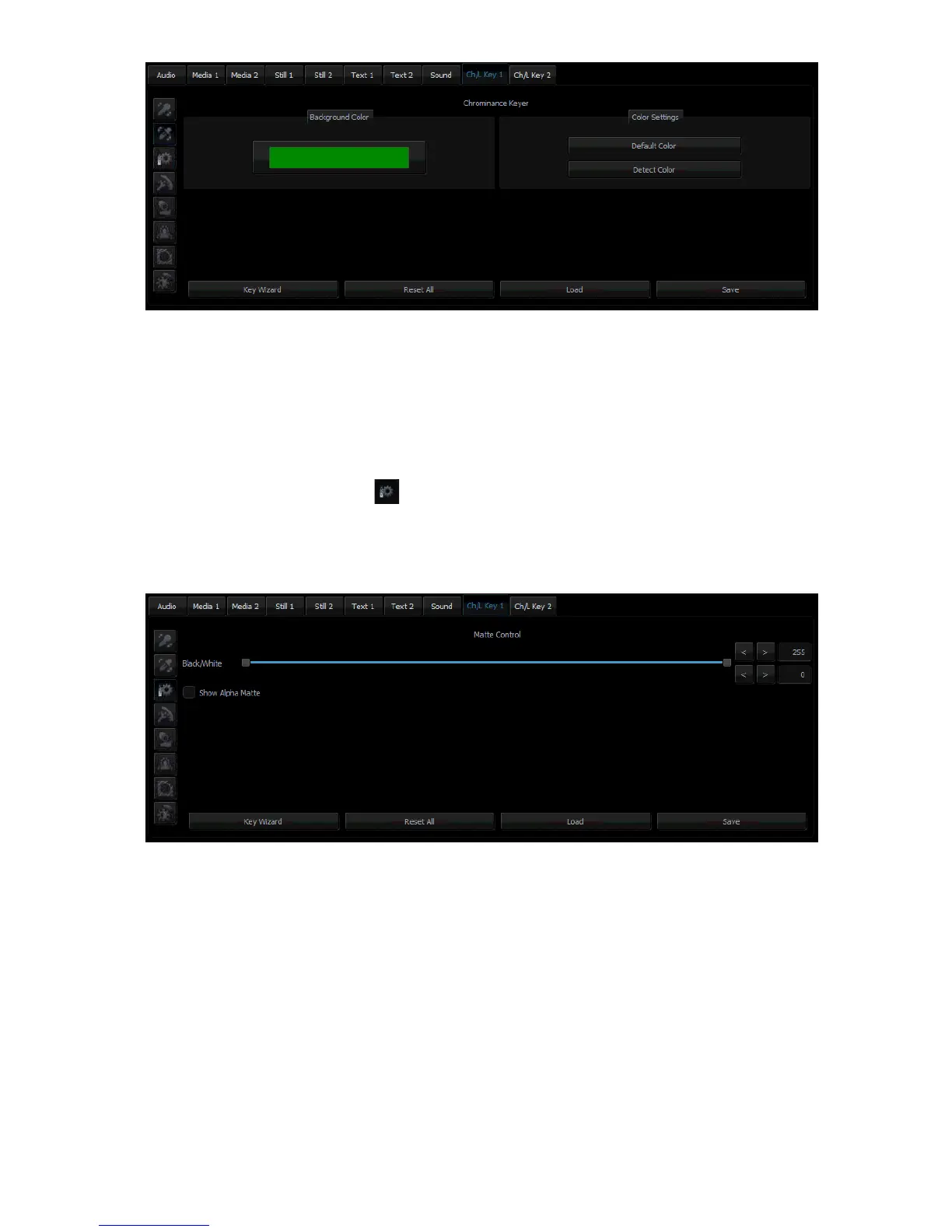
If the colour of the keyed out background is not uniform, the user can make use of the Detect
Color button, which will calculate the background’s LRGB parameters using the automated
average. If the parameters cannot be accessed, the user will be notified about it via a message
window, after which the colour will be reset to default. The Default Color button is used to
select the default colour.
5.3 Matte Control
Click the Matte Control button to enter the preliminary keying setting page. This is done
with the Show Alpha Matte function, which – after a checkbox is checked – will show a matte
view for which colours closer to white are non-transparent and those closer to dark are
transparent.



 To Next Page