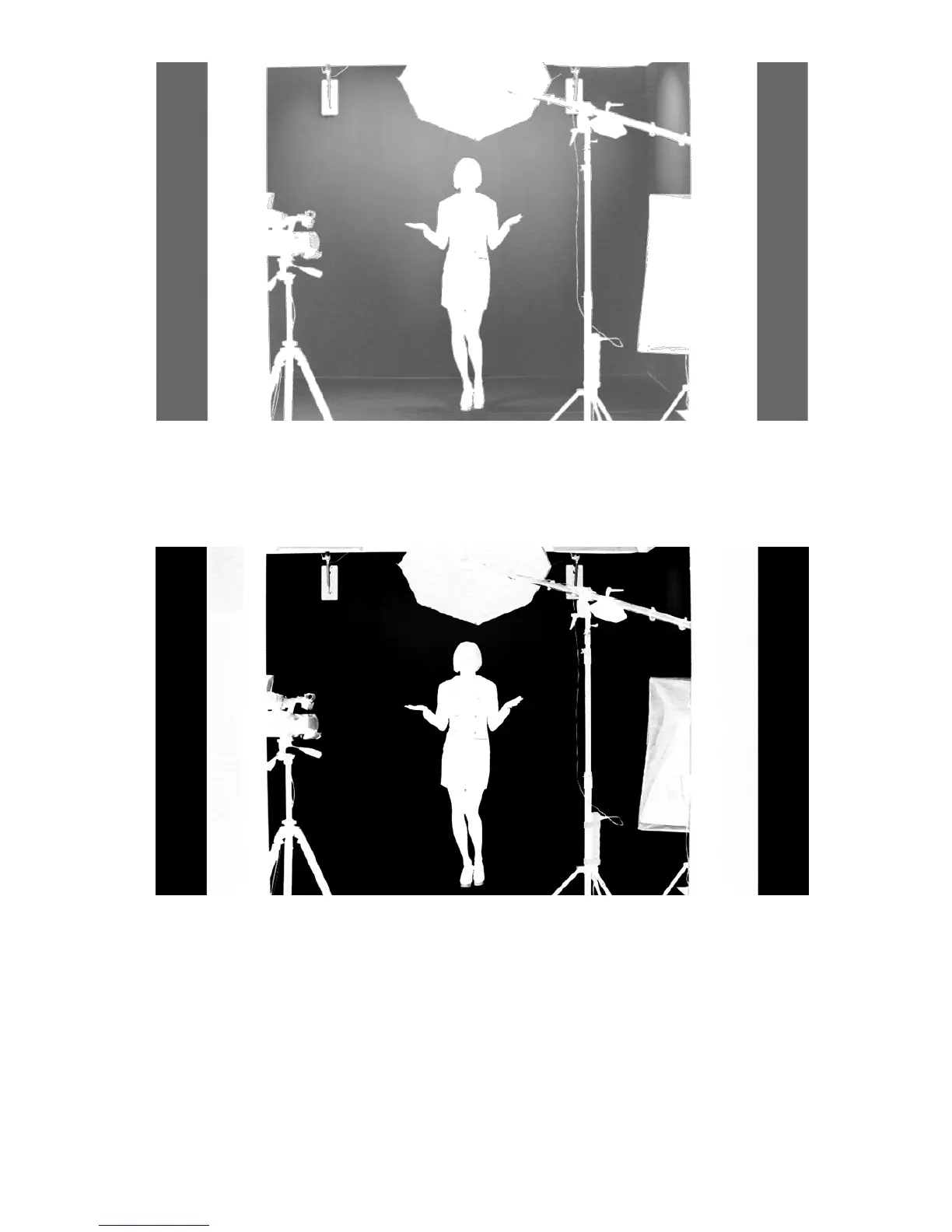
The Show alpha matte view
The intended result is to make the mask background colour as close to perfect black as
possible. In order to do that the Black Level slider should be moved until black is distributed
as evenly as possible on the mask background.
A view after a Black level adjustment
If the slider is moved to the extremes, the other objects will lose their properties and become
non-transparent; this is why the function should be applied sparingly so that small differences
are still discernible in the distribution of the black background.
The next step is to obtain a uniform distribution of white on objects which will remain fully
non-transparent. This uneven distribution may arise from the fact that the colours of the
object may have colour components close to the keying colour. In this case an adjustment can
be made using the function known as White Level.
By moving the slider from the maximum value to the left, you can obtain a perfect distribution
of white on a given object.



 To Next Page